Registering a Resource Provider
Sign in during Public Preview to get the Team plan free, plus an early-adopter discount when we launch. Sign in
Registering a Resource Provider
This guide shows you how to register and unregister a Resource Provider in a Locally Subscription, and what happens when you try to use one that isn't registered. We'll use Azure Cache for Redis (Microsoft.Cache) as the example, with the Azure CLI.
As in Azure, a Subscription can only use the providers registered in it. In Locally each provider is a plugin, and registering one whose plugin isn't installed yet installs it for you.
Before you start
- The Azure CLI (
az) installed. - Locally installed, with Locally Setup completed.
1. Start Locally
Firstly, we need to launch Locally which we can do from a terminal by running:
                $


            locally build
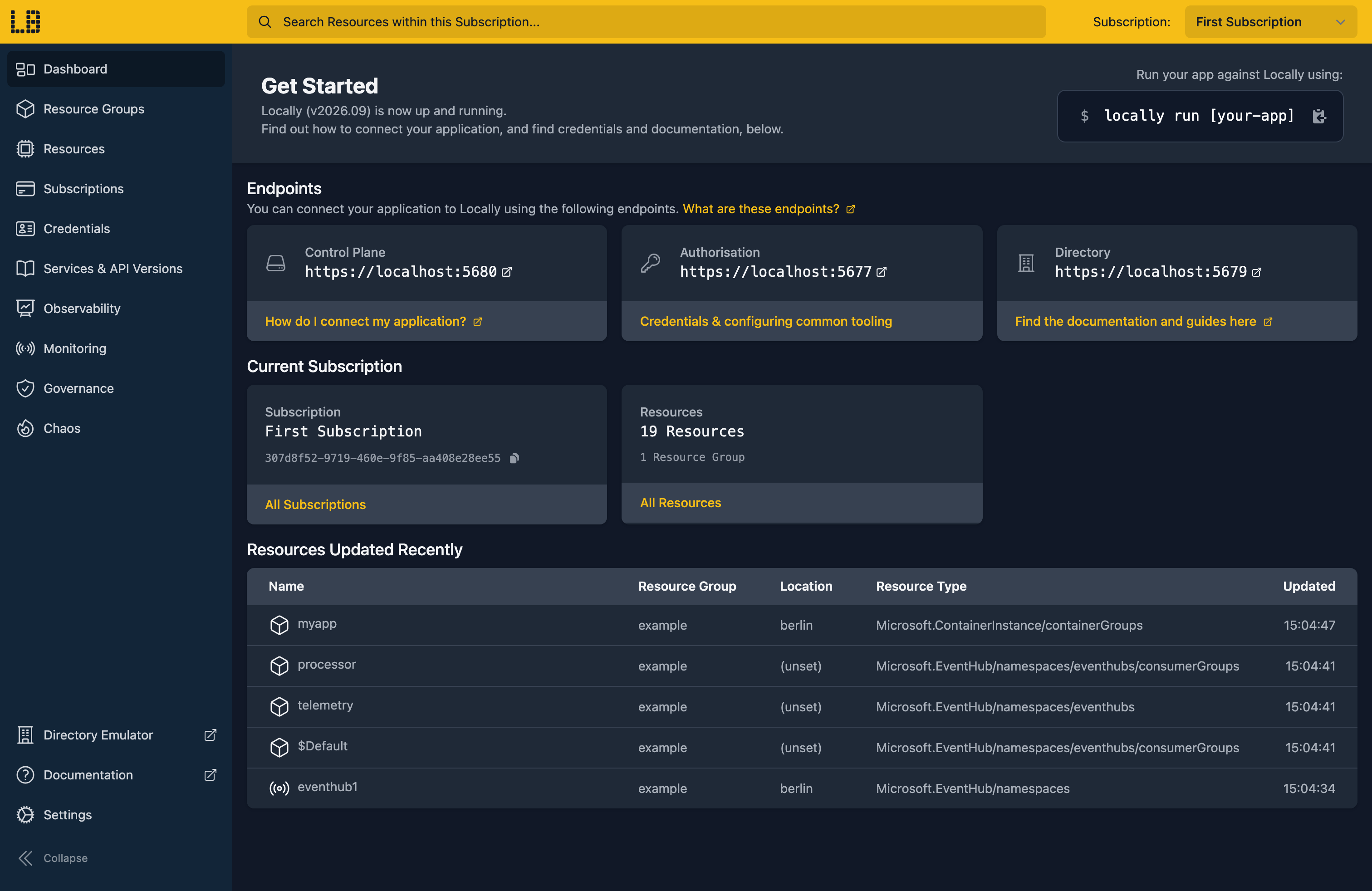
Once Locally has started, the Locally Dashboard will open automatically:
2. Create a Resource Group
Next we can create a Resource Group to put a cache in later on:
                $


            locally run az group create -n sample-providers -l berlin
There's two things to note here:
- The Azure CLI supports Automatic Configuration, meaning that it can automatically be configured to work against Locally just by prefixing commands with
locally run. - Locally intentionally uses a different set of locations to Azure as a safety precaution, so that you can be confident you're deploying against Locally rather than regular Azure. You can also configure Locally to use the Azure locations too, but you'll want to be extra sure that you're prefixing commands with
locally runwhen you do.
3. Look at a Resource Provider
Every provider whose plugin is installed starts out registered in every Subscription. To see them all, along with their state:
                $


            locally run az provider list --query "[].{Namespace:namespace, State:registrationState}" -o table
The list depends on which plugins you've installed. Let's look at just the one we're interested in:
                $


            locally run az provider show -n Microsoft.Cache --query "{namespace:namespace, registrationState:registrationState, resourceTypes:resourceTypes[].resourceType}"
{
  "namespace": "Microsoft.Cache",
  "registrationState": "Registered",
  "resourceTypes": [
    "redis",
    "redis/accessPolicies",
    "redis/accessPolicyAssignments",
    "redis/firewallRules",
    "redis/linkedServers",
    "redis/privateEndpointConnections",
    "redisEnterprise",
    "redisEnterprise/databases",
    "redisEnterprise/databases/accessPolicyAssignments",
    "redisEnterprise/migrations"
  ]
}
4. Unregister it
Now let's unregister the provider from this Subscription:
                $


            locally run az provider unregister --namespace Microsoft.Cache
WARNING: Unregistering is still on-going. You can monitor using 'az provider show -n Microsoft.Cache'The Azure CLI warns that unregistering is still going on, since it can take a while in Azure. In Locally it's already done:
                $


            locally run az provider show -n Microsoft.Cache --query registrationState
"NotRegistered"With the provider unregistered, creating a cache is refused with the same error Azure returns:
                $


            locally run az redis create --name sampleprovidersdocs1 --resource-group sample-providers --location berlin --sku Basic --vm-size c0
ERROR: (MissingSubscriptionRegistration) The subscription is not registered to use namespace 'Microsoft.Cache'. See https://aka.ms/rps-not-found for how to register subscriptions.
Code: MissingSubscriptionRegistration
Message: The subscription is not registered to use namespace 'Microsoft.Cache'. See https://aka.ms/rps-not-found for how to register subscriptions.
This is a handy way to check that your deployment scripts register what they need, rather than relying on a Subscription where someone registered it by hand a while ago.
Note
Microsoft.Resources and Microsoft.Authorization, can't be unregistered.5. Register it again
To register the provider again, passing --wait so the command returns once it's done:
                $


            locally run az provider register --namespace Microsoft.Cache --wait
If the provider's plugin isn't installed, Locally installs it at this point, as long as your plan includes it. The provider shows as Registering until the plugin is ready, which is what --wait waits for. Here the plugin was already installed, so it's registered straight away:
                $


            locally run az provider show -n Microsoft.Cache --query registrationState
"Registered"And the same create now succeeds:
                $


            locally run az redis create --name sampleprovidersdocs1 --resource-group sample-providers --location berlin --sku Basic --vm-size c0 --query "{name:name, type:type, provisioningState:provisioningState}"
{
  "name": "sampleprovidersdocs1",
  "provisioningState": "Succeeded",
  "type": "Microsoft.Cache/redis"
}
Note
6. Providers in use can't be unregistered
While the Subscription has a cache in it, Locally won't unregister Microsoft.Cache:
                $


            locally run az provider unregister --namespace Microsoft.Cache
ERROR: (ResourceProviderHasResources) The resource provider 'Microsoft.Cache' cannot be unregistered because subscription '0f766306-391f-4f66-b9ee-927fb2db629c' still contains resources of that provider. Delete them first, then unregister it.
Code: ResourceProviderHasResources
Message: The resource provider 'Microsoft.Cache' cannot be unregistered because subscription '0f766306-391f-4f66-b9ee-927fb2db629c' still contains resources of that provider. Delete them first, then unregister it.
You can also register and unregister providers from the Resource Providers tab on a Subscription's page in the Locally Dashboard:
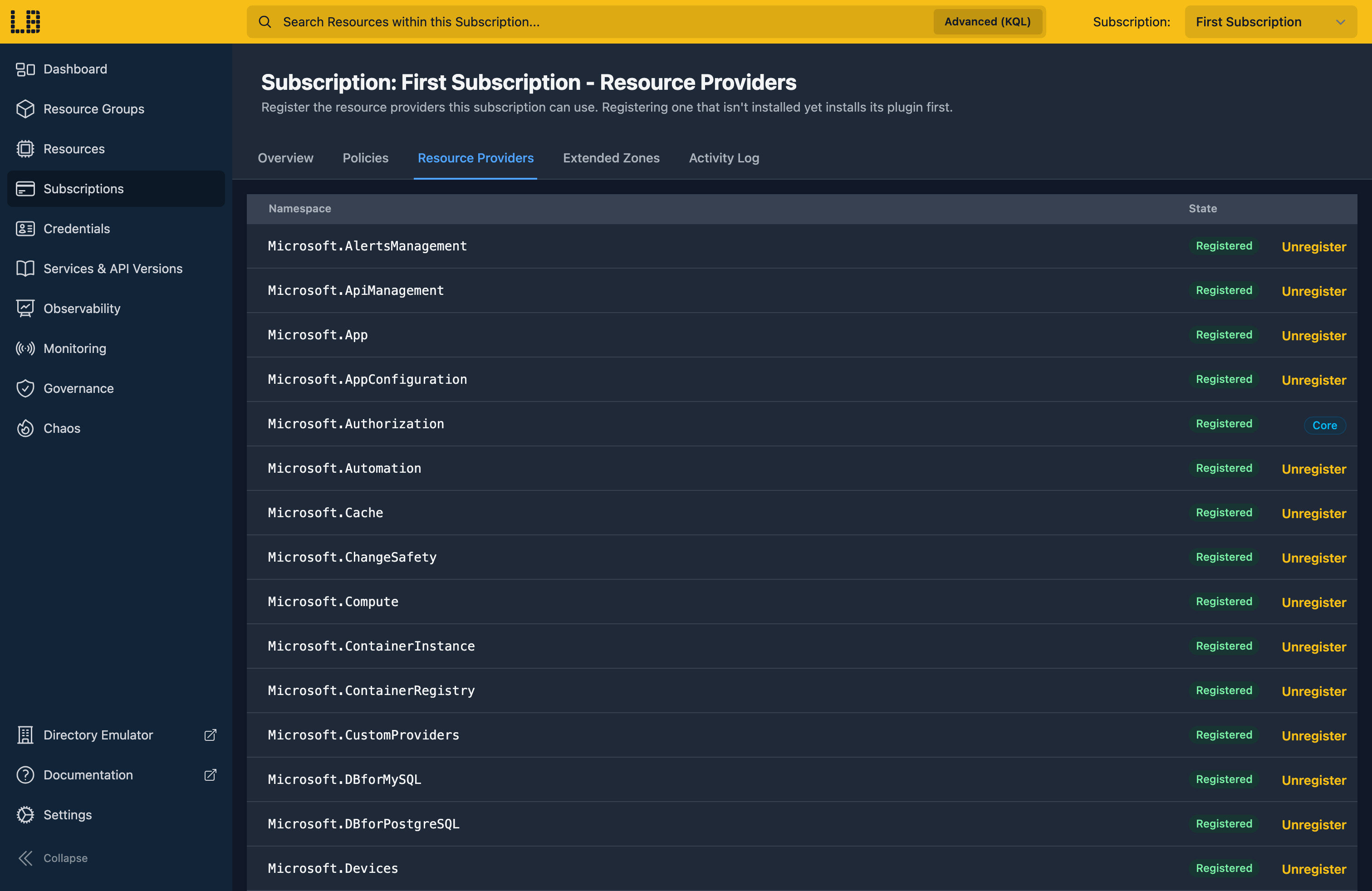
Providers marked Core are built into Locally, so they don't have an Unregister button.
Doing this with other tooling
Template deployments register the providers they need before deploying anything, so deploying an ARM Template or Bicep file can install a plugin too. The AzureRM provider for HashiCorp Terraform and OpenTofu registers the providers it needs through the same API, and its azurerm_resource_provider_registration resource registers one explicitly.
You can also install a plugin ahead of time with locally plugin install, which is what the other guides suggest before you start.
Next steps
Subscriptions, Tenants & Credentials covers how Resource Providers fit in with your Subscriptions. To provision and connect to the cache itself, see Azure Cache for Redis.
Should you encounter any issues, please take a look at the troubleshooting section.
Sign in during Public Preview to get the Team plan free, plus an early-adopter discount when we launch. Sign in
