Bastion Emulator
Sign in during Public Preview to get the Team plan free, plus an early-adopter discount when we launch. Sign in
Bastion Emulator
Azure Bastion lets you connect to a Virtual Machine over SSH or Remote Desktop, without it needing a public IP.
Locally supports both provisioning Bastion Hosts and connecting through them to your Virtual Machines, using locally connect - so you can check a Virtual Machine is reachable the way you expect.
What you connect to is the Virtual Machines Emulator's view of the Virtual Machine, rather than a shell - so you can check how it's set up, what its extensions did and what can reach it.
Finding the Emulator
Once a Bastion Host has been created, its resource page within the Locally Dashboard has a How to connect section, with the locally connect command ready to copy:
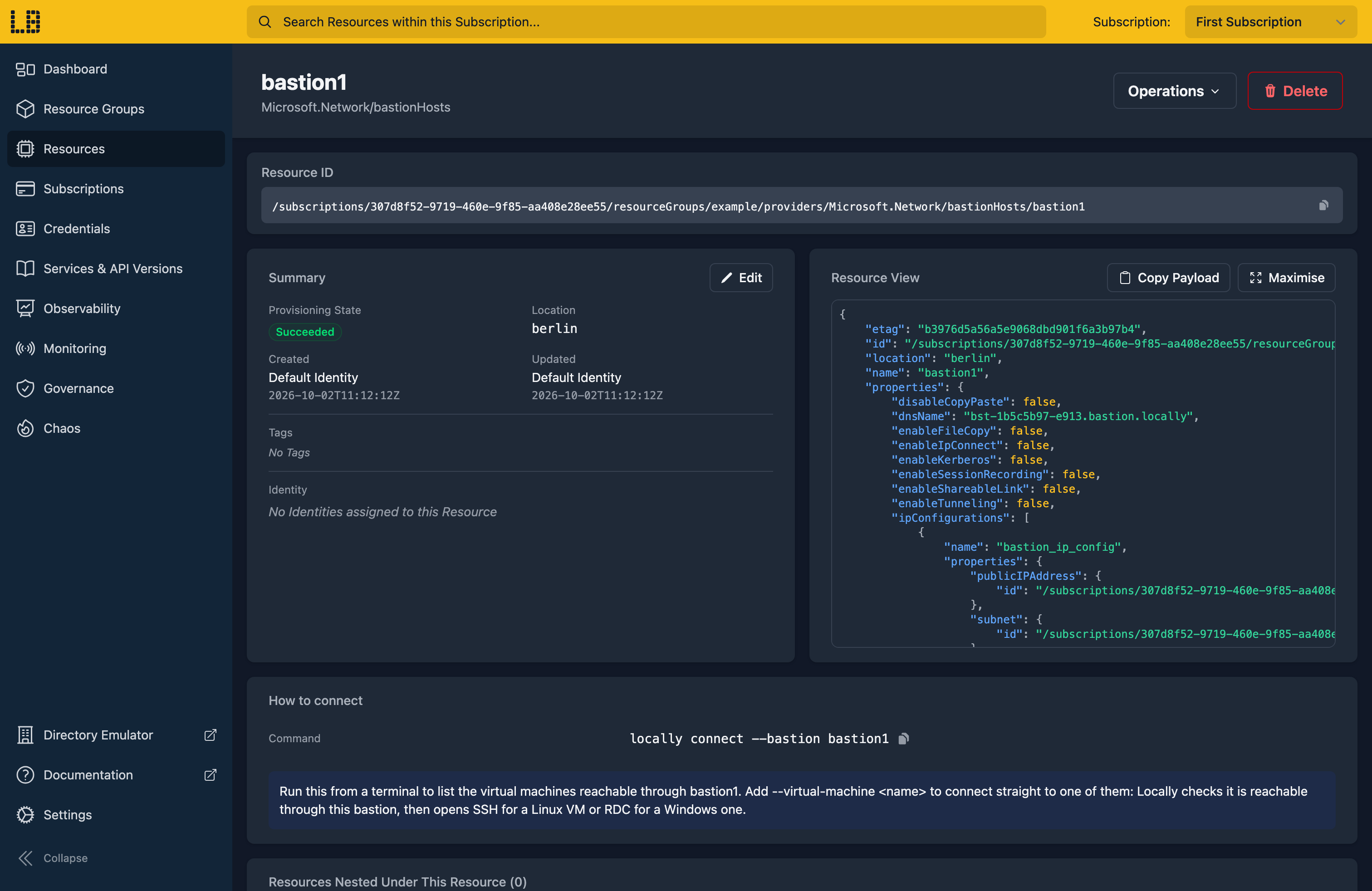
The Bastion Emulator
Running locally connect --bastion <name> lists the Virtual Machines you can reach through it (or, in an interactive terminal, asks you to pick one) - and adding --virtual-machine <name> connects to it:
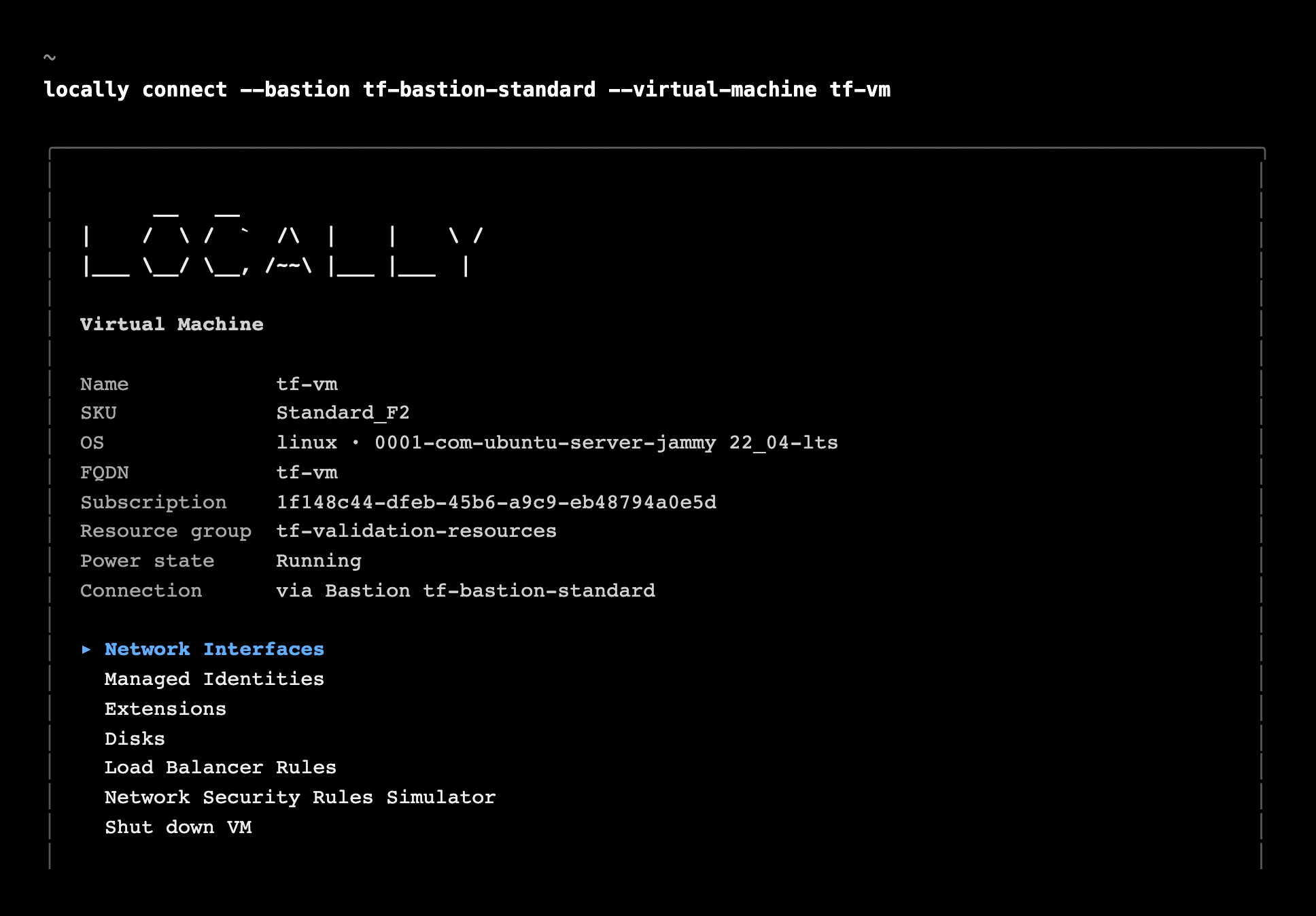
The session shows which Bastion it came through, alongside the Virtual Machine's details - see the Virtual Machines Emulator.
What's Supported
The Bastion emulator supports:
Virtual Machines don't need a public IP - Locally checks each one has a network interface in the Bastion's Virtual Network (or, for a Developer SKU, the Virtual Network it's linked to), then opens a tunnel to it for the session.
Connecting uses the Virtual Machine's own credentials - its admin SSH key or password on Linux, or its password on Windows.
Differences from Azure
As of Locally v2026.09.02, the Bastion emulator has the following differences from Azure:
- Connecting gives you a view of the Virtual Machine rather than a shell. To run something inside it, use an extension or a Run Command.
- There's no in-browser session, and
az network bastion ssh,rdpandtunnelaren't supported - uselocally connectinstead. Shareable links can be created, but don't open anything. - Only Virtual Machines in the Bastion's own Virtual Network can be reached - not ones in peered Virtual Networks.
- Scale Set instances can't be reached through a Bastion. Connect to them directly with
locally connect --virtual-machine-scale-set. - The Bastion's SKU and settings (such as native client support) aren't checked when connecting.
Should you encounter any issues, please take a look at the troubleshooting section.
Sign in during Public Preview to get the Team plan free, plus an early-adopter discount when we launch. Sign in
