Working with Role Assignments
Sign in during Public Preview to get the Team plan free, plus an early-adopter discount when we launch. Sign in
Working with Role Assignments
This guide shows you how Locally enforces Azure role-based access control. We'll create a service principal, watch it get refused, give it a built-in role and watch the same request succeed - all with the Azure CLI.
Before you start
- The Azure CLI (
az) installed. - Locally installed, with Locally Setup completed.
Role assignments are part of Locally's Control Plane, so there's no plugin to install.
1. Start Locally
Firstly, we need to launch Locally which we can do from a terminal by running:
                $


            locally build
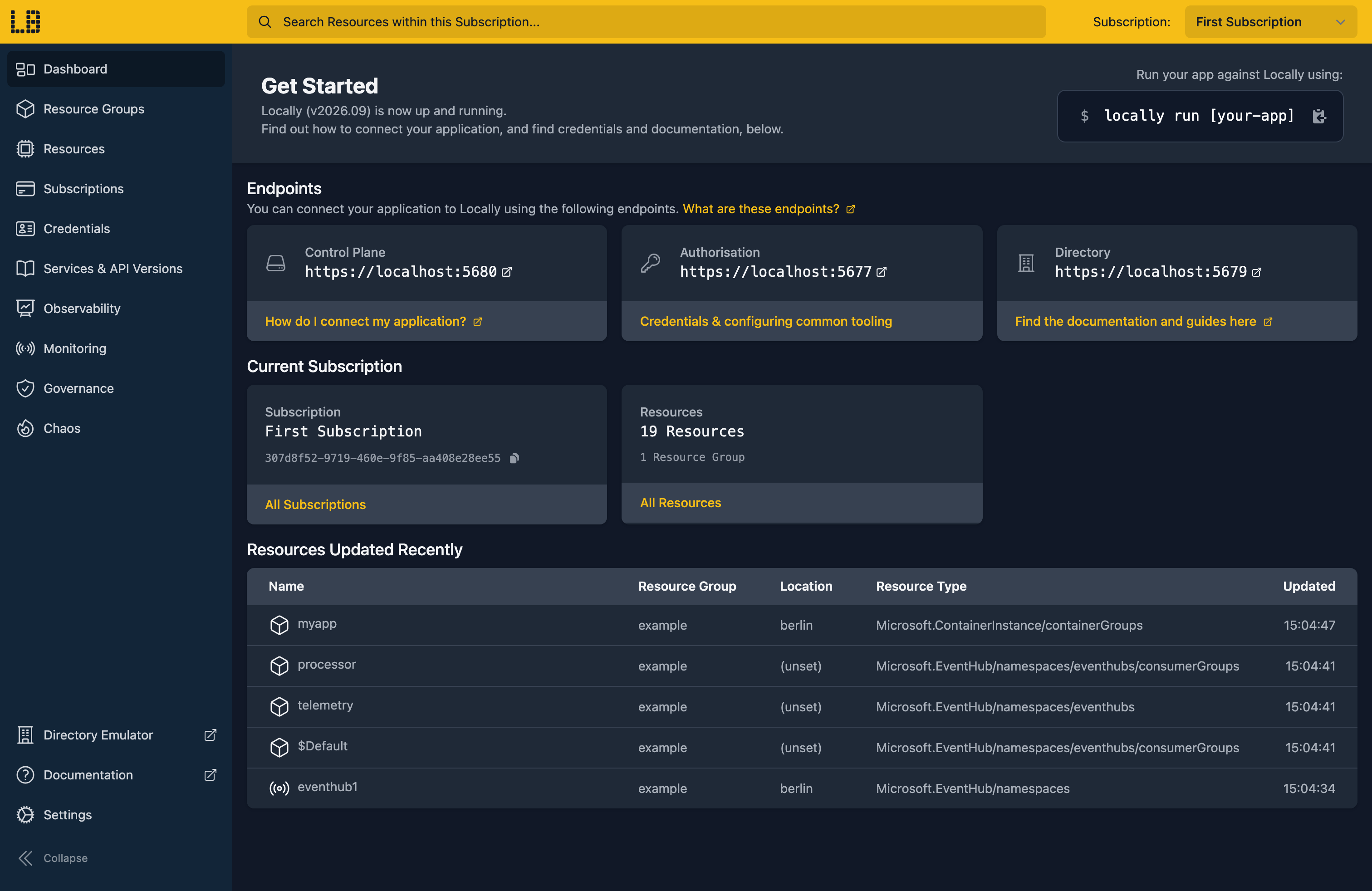
Once Locally has started, the Locally Dashboard will open automatically:
2. Create a Resource Group
Next we can create the Resource Group we'll be granting access to:
                $


            locally run az group create -n sample-rbac -l berlin
{
  "id": "/subscriptions/307d8f52-9719-460e-9f85-aa408e28ee55/resourceGroups/sample-rbac",
  "location": "berlin",
  "managedBy": null,
  "name": "sample-rbac",
  "properties": {
    "provisioningState": "Succeeded"
  },
  "tags": {},
  "type": "Microsoft.Resources/resourceGroups"
}
There's two things to note here:
- The Azure CLI supports Automatic Configuration, meaning that it can automatically be configured to work against Locally just by prefixing commands with
locally run. - Locally intentionally uses a different set of locations to Azure as a safety precaution, so that you can be confident you're deploying against Locally rather than regular Azure. You can also configure Locally to use the Azure locations too, but you'll want to be extra sure that you're prefixing commands with
locally runwhen you do.
We'll also need the Resource Group's ID as the scope for our role assignments, so let's keep hold of it:
                $


            export RG_ID=$(locally run az group show -n sample-rbac --query id -o tsv)
3. Create a Service Principal
By default locally run signs you in as an identity that's Owner of everything, which is handy for development but can't show you a refusal. So we'll create a service principal with no roles at all:
                $


            export APP_ID=$(locally run az ad sp create-for-rbac --name rbac-demo-docs1 --query appId -o tsv)
This also returns a password, which we don't need: Locally already knows it. Passing --service-principal to locally run runs a command as that principal instead, and each identity gets its own Azure CLI profile, so your usual sign-in isn't touched.
Let's try reading the Resource Group as our new service principal:
                $


            locally run --service-principal rbac-demo-docs1 az group show -n sample-rbac
It's refused before the Azure CLI even starts, since the principal can't see a single subscription:
the selected identity is not authorized on any Subscription in Tenant "59e01520-e049-4dfa-8a7d-1a847fc07763" - grant it a Subscription role, or pass --allow-no-subscriptions to run without a Subscription4. Assign the Reader role
Locally ships Azure's built-in role definitions with Azure's own IDs, so Reader here is the same role you'd assign in Azure. Let's give it to our service principal on the Resource Group:
                $


            locally run az role assignment create --assignee "$APP_ID" --role Reader --scope "$RG_ID"
{
  "note": "some fields skipped for brevity",

  "id": "/subscriptions/307d8f52-9719-460e-9f85-aa408e28ee55/resourceGroups/sample-rbac/providers/Microsoft.Authorization/roleAssignments/ae0deb3d-aec1-4823-aa92-f0381f04a4b0",
  "name": "ae0deb3d-aec1-4823-aa92-f0381f04a4b0",
  "principalId": "c7b6b6c0-91cb-4e20-8e42-cb46470c7c5c",
  "principalType": "ServicePrincipal",
  "resourceGroup": "sample-rbac",
  "roleDefinitionId": "/subscriptions/307d8f52-9719-460e-9f85-aa408e28ee55/providers/Microsoft.Authorization/roleDefinitions/acdd72a7-3385-48ef-bd42-f606fba81ae7",
  "scope": "/subscriptions/307d8f52-9719-460e-9f85-aa408e28ee55/resourceGroups/sample-rbac",
  "type": "Microsoft.Authorization/roleAssignments"
}
The roleDefinitionId ends in acdd72a7-3385-48ef-bd42-f606fba81ae7, which is Reader's ID in Azure too. Now the same read works:
                $


            locally run --service-principal rbac-demo-docs1 az group show -n sample-rbac --query "{name:name, location:location}"
{
  "location": "berlin",
  "name": "sample-rbac"
}
5. See a write refused, then allowed
Reader can read but can't change anything. Let's check that by adding a tag to the Resource Group:
                $


            locally run --service-principal rbac-demo-docs1 az group update -n sample-rbac --tags env=dev
Locally refuses with the same AuthorizationFailed error Azure returns, naming the action that was missing and the scope it was needed on:
ERROR: (AuthorizationFailed) The client 'c7b6b6c0-91cb-4e20-8e42-cb46470c7c5c' does not have authorization to perform action 'Microsoft.Resources/subscriptions/resourceGroups/write' over scope '/subscriptions/307d8f52-9719-460e-9f85-aa408e28ee55/resourceGroups/sample-rbac'.
Code: AuthorizationFailed
Message: The client 'c7b6b6c0-91cb-4e20-8e42-cb46470c7c5c' does not have authorization to perform action 'Microsoft.Resources/subscriptions/resourceGroups/write' over scope '/subscriptions/307d8f52-9719-460e-9f85-aa408e28ee55/resourceGroups/sample-rbac'.
Exception Details:	(RequiredAction) Microsoft.Resources/subscriptions/resourceGroups/write over /subscriptions/307d8f52-9719-460e-9f85-aa408e28ee55/resourceGroups/sample-rbac
	Code: RequiredAction
	Message: Microsoft.Resources/subscriptions/resourceGroups/write over /subscriptions/307d8f52-9719-460e-9f85-aa408e28ee55/resourceGroups/sample-rbac
So let's give the service principal Contributor on the same Resource Group:
                $


            locally run az role assignment create --assignee "$APP_ID" --role Contributor --scope "$RG_ID" --query "{role:roleDefinitionId, principalType:principalType, scope:scope}"
{
  "principalType": "ServicePrincipal",
  "role": "/subscriptions/307d8f52-9719-460e-9f85-aa408e28ee55/providers/Microsoft.Authorization/roleDefinitions/b24988ac-6180-42a0-ab88-20f7382dd24c",
  "scope": "/subscriptions/307d8f52-9719-460e-9f85-aa408e28ee55/resourceGroups/sample-rbac"
}
And run the same update again:
                $


            locally run --service-principal rbac-demo-docs1 az group update -n sample-rbac --tags env=dev
This time it goes through:
{
  "id": "/subscriptions/307d8f52-9719-460e-9f85-aa408e28ee55/resourceGroups/sample-rbac",
  "location": "berlin",
  "managedBy": null,
  "name": "sample-rbac",
  "properties": {
    "provisioningState": "Succeeded"
  },
  "tags": {
    "env": "dev"
  },
  "type": "Microsoft.Resources/resourceGroups"
}
We can see both of the service principal's assignments with:
                $


            locally run az role assignment list --assignee "$APP_ID" --resource-group sample-rbac --query "[].{Role:roleDefinitionName, Scope:scope}" -o table
Role         Scope
-----------  ------------------------------------------------------------------------------
Reader       /subscriptions/307d8f52-9719-460e-9f85-aa408e28ee55/resourceGroups/sample-rbac
Contributor  /subscriptions/307d8f52-9719-460e-9f85-aa408e28ee55/resourceGroups/sample-rbac
Note
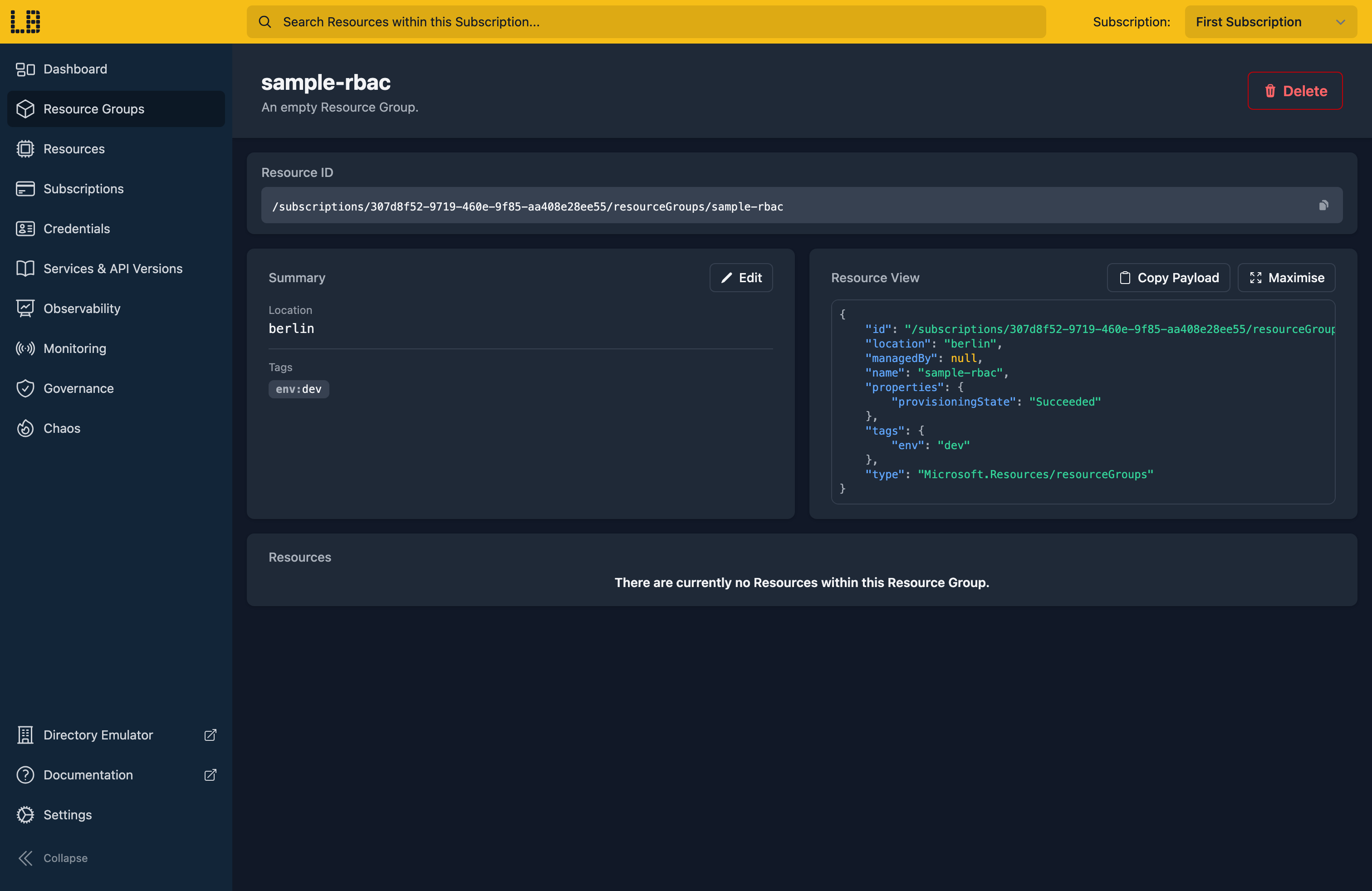
We can see the Resource Group, with the tag the service principal added, in the Locally Dashboard too:
6. Tidy up
Finally, we can tidy up. The service principal lives in the directory rather than the Resource Group, so we remove it first by deleting its app registration:
                $


            locally run az ad app delete --id "$APP_ID"
Then remove the Resource Group, which takes the role assignments scoped to it along with it:
                $


            locally run az group delete -n sample-rbac --yes
Doing this with other tooling
Whilst this guide used the Azure CLI, role assignments work the same way through any of the tooling that Locally supports - a Microsoft.Authorization/roleAssignments resource in HashiCorp Terraform or OpenTofu, Pulumi, Bicep or an ARM Template all provision against Locally in the same way.
--service-principal works with any of those tools too, as do --user and --managed-identity for running as a directory user or a managed identity. That makes it easy to run a deployment as the identity your pipeline will really use, and find a missing role before your pipeline does. Subscriptions, Tenants & Credentials has more on how Locally's identities and tokens work.
Next steps
Managed Identity walks through giving an identity a role on a Key Vault. Rather than starting from Contributor, Minimum Necessary Permissions can generate a role from the calls your deployment actually made.
Should you encounter any issues, please take a look at the troubleshooting section.
Sign in during Public Preview to get the Team plan free, plus an early-adopter discount when we launch. Sign in
