Components
Sign in during Public Preview to get the Team plan free, plus an early-adopter discount when we launch. Sign in
Components
Locally is made up of several user-facing services. This page summarises what each one does and where it runs.
See also: port reference.
Control Plane
The Control Plane allows for managing Subscriptions, Resource Groups and Resources in Locally, and runs at https://localhost:5680 and when viewed in a browser looks similar to below:
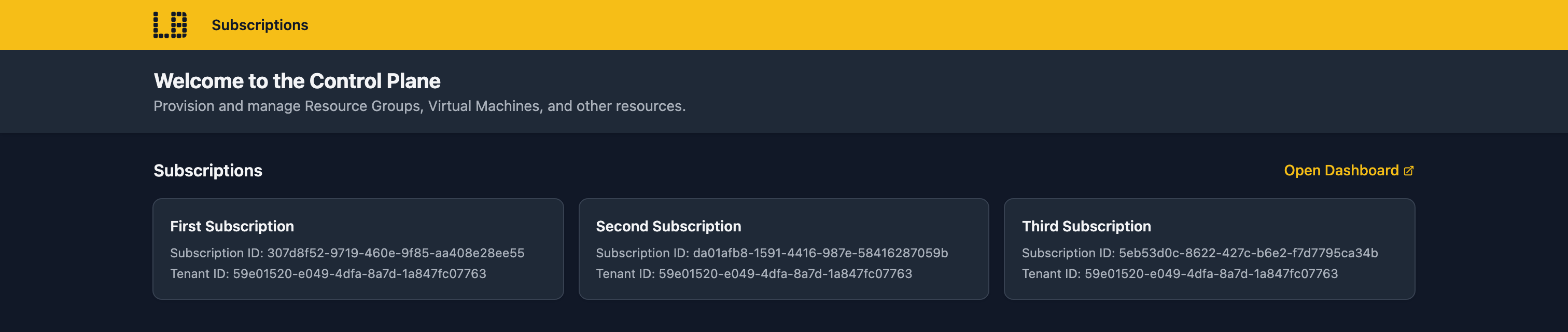
To make the API more explorable during development, when viewed in a browser, the Control Plane API doesn't require authentication by default. You can toggle this behaviour in the Settings section of the Locally Dashboard to match the Azure API - see the Control Plane API documentation for more details.
Note that when the Control Plane API is interacted with using any other method (like the Azure SDKs) then a valid authentication token is required.
You can find out more about the Control Plane in the feature overview.
Locally Dashboard
The Locally Dashboard provides an overview of everything that is happening in Locally, and runs at https://localhost:5678 and when viewed in a browser looks similar to below:
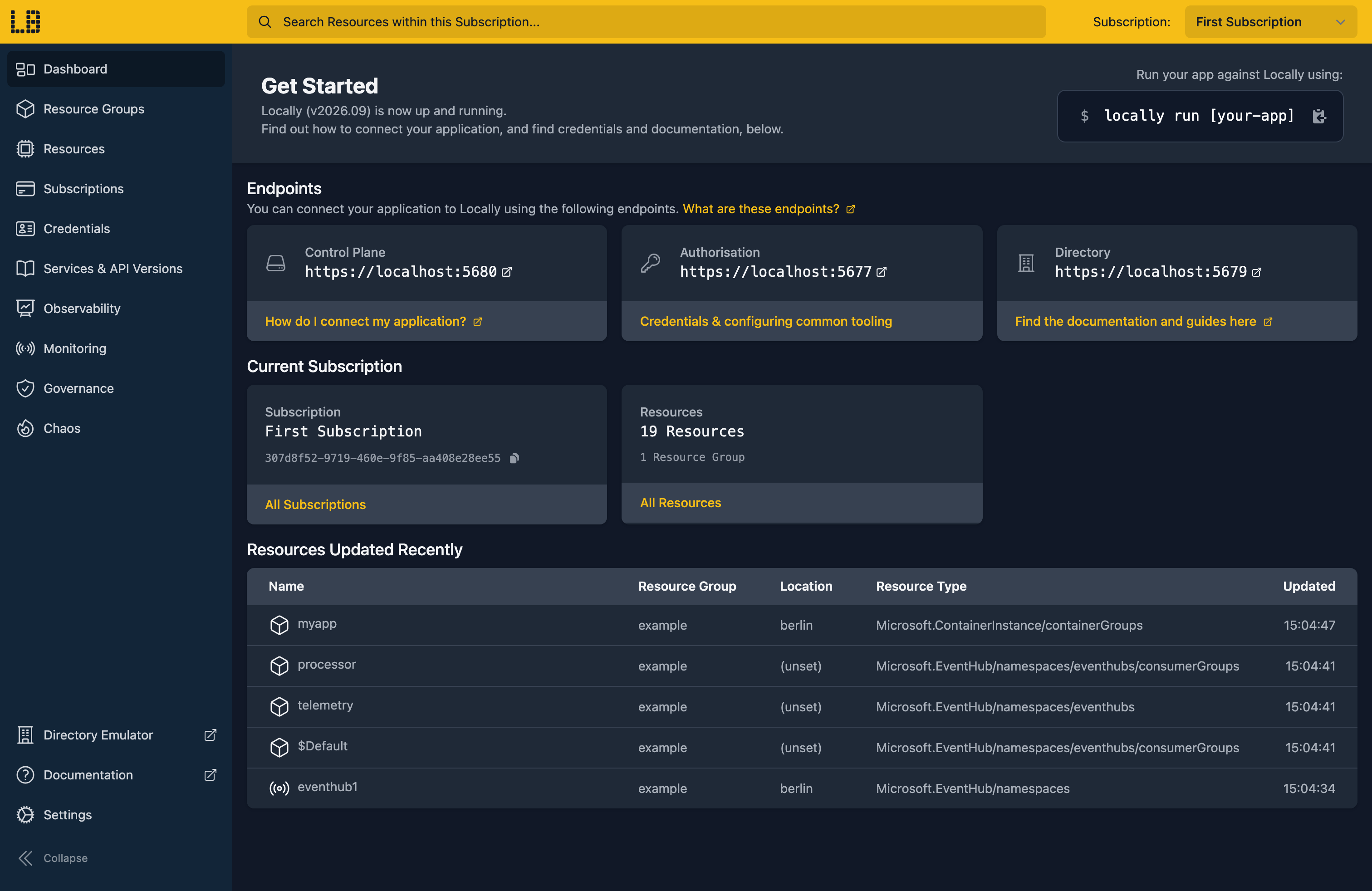
You can find out more about the Locally Dashboard in the feature overview.
Authorization
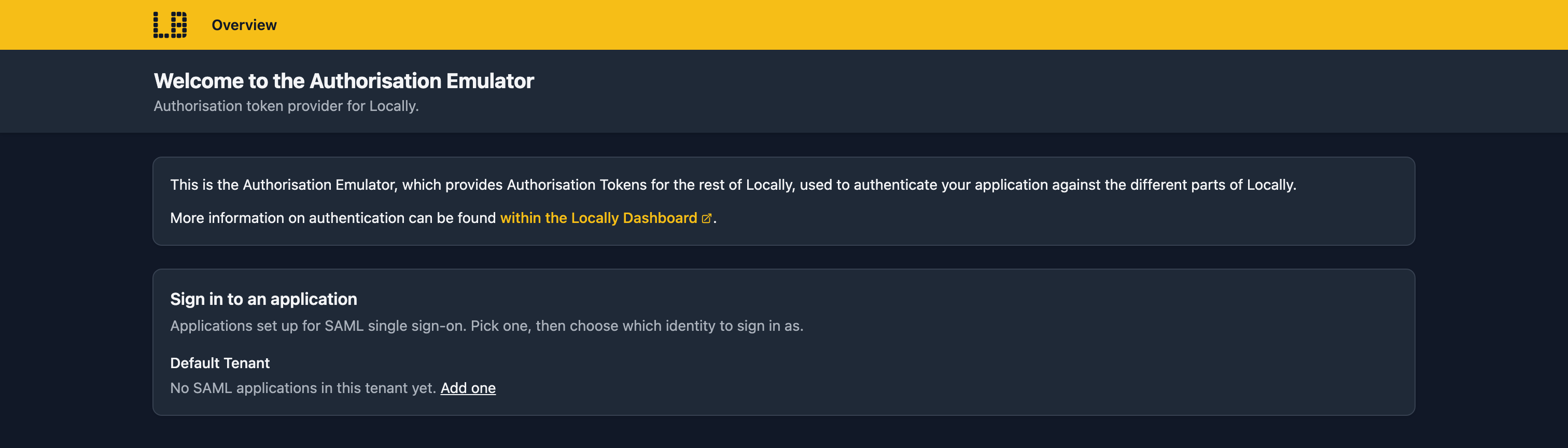
The Authorization service issues Access Tokens for Locally, in exchange for a Client ID and Client Secret.
It runs at https://localhost:5677 and at this time only the Client Credentials flow is supported.
When viewed in a browser, it looks similar to below:
Directory (Entra) Emulator
The Directory (Entra) Emulator serves Locally's users, groups, applications and service principals over Microsoft Graph.
It runs at https://localhost:5679 and when viewed in a browser looks similar to below:
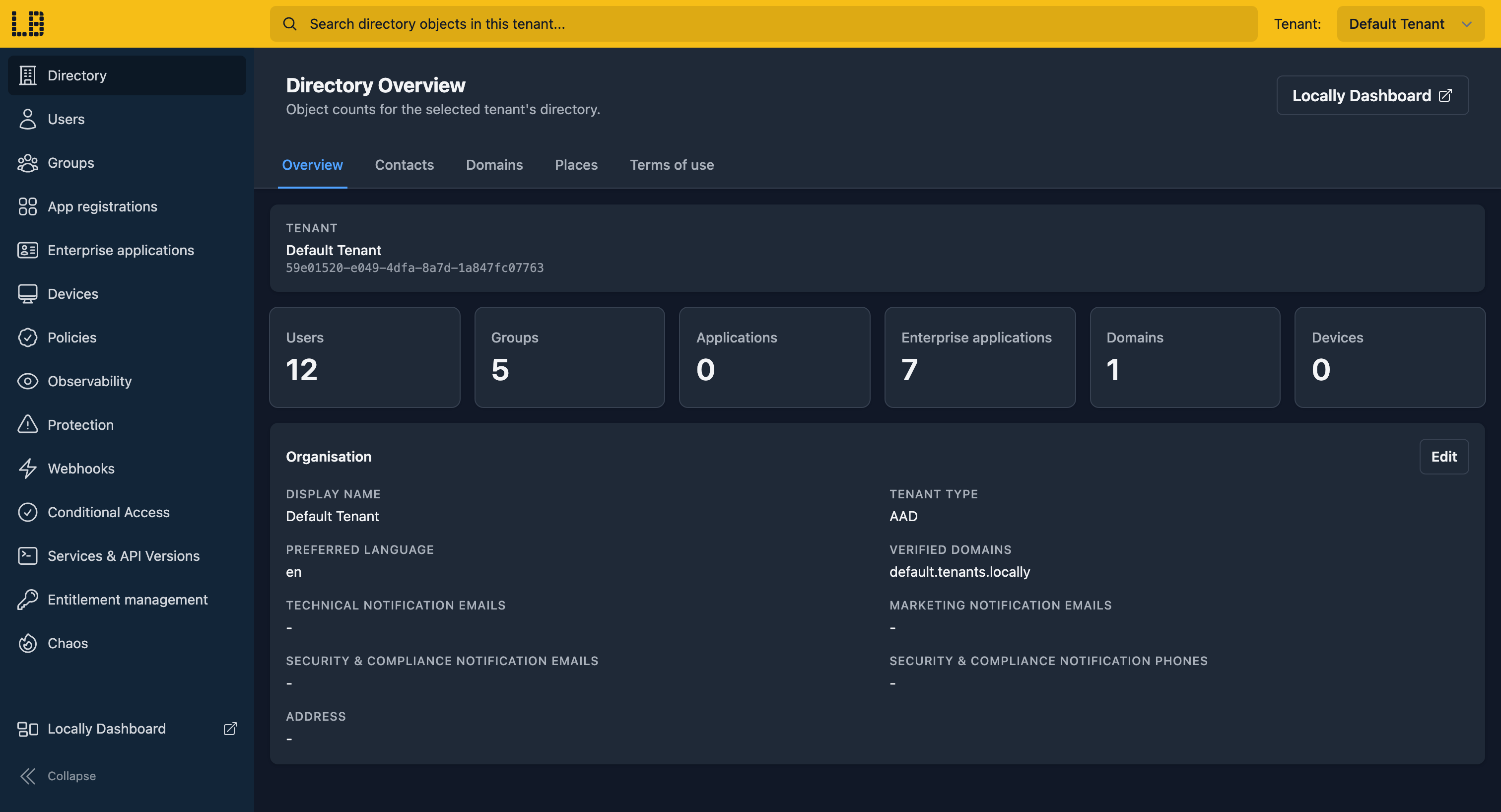
You can find out more about the Directory (Entra) Emulator in the feature overview.
Data Plane Emulators
Data Plane Emulators serve the data plane for individual services, and each has its own UI. You'll find them from a resource's page in the Locally Dashboard. Some of them are below - see Data Plane Emulators for the full list.
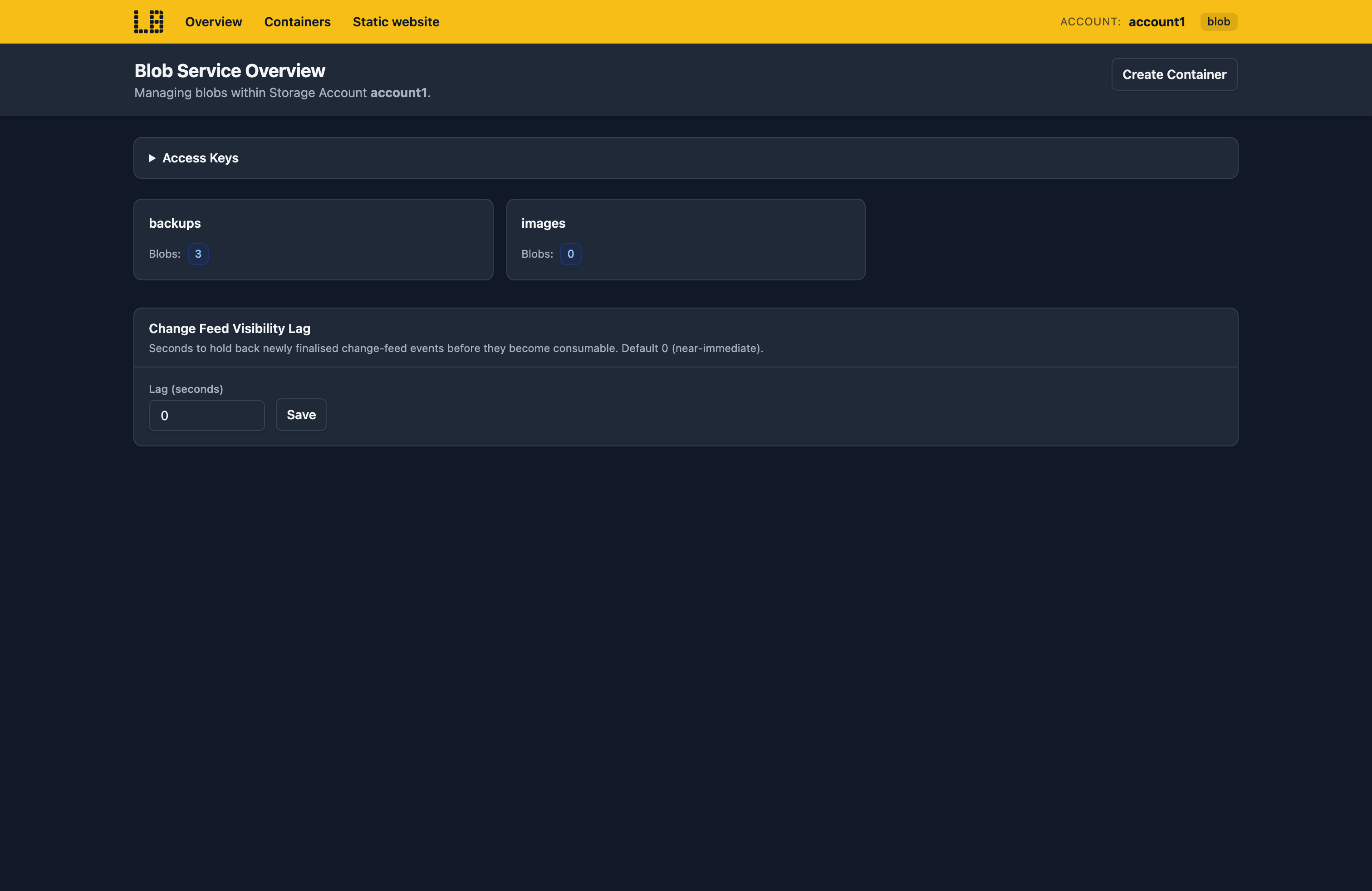
Storage Emulator - Blob containers, File shares, Queue messages and Table entities.
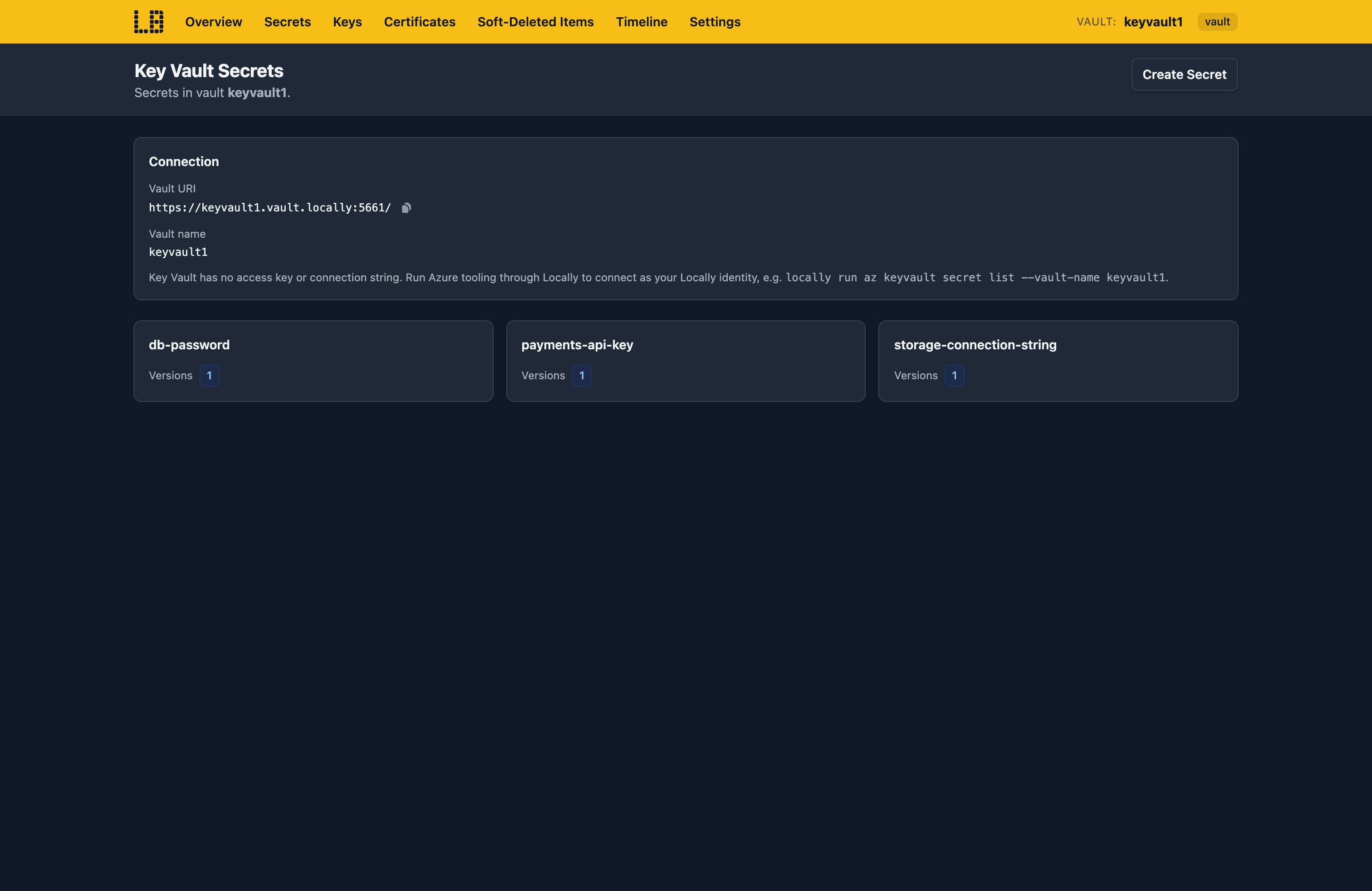
Key Vault Emulator - Secrets, keys and certificates, including their past versions.
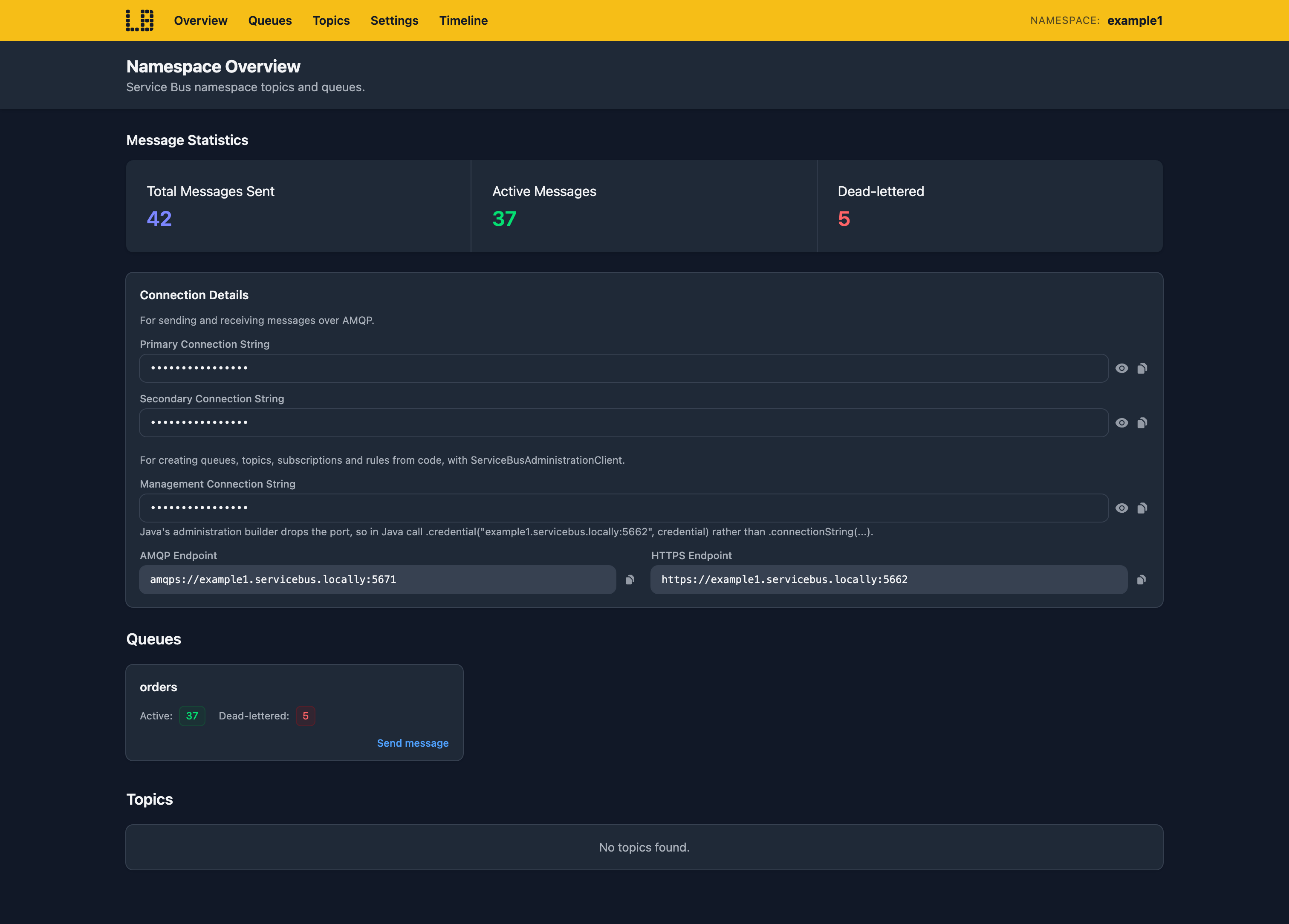
Service Bus Emulator - Queues, topics and subscriptions, with message bodies and dead-letter queues.
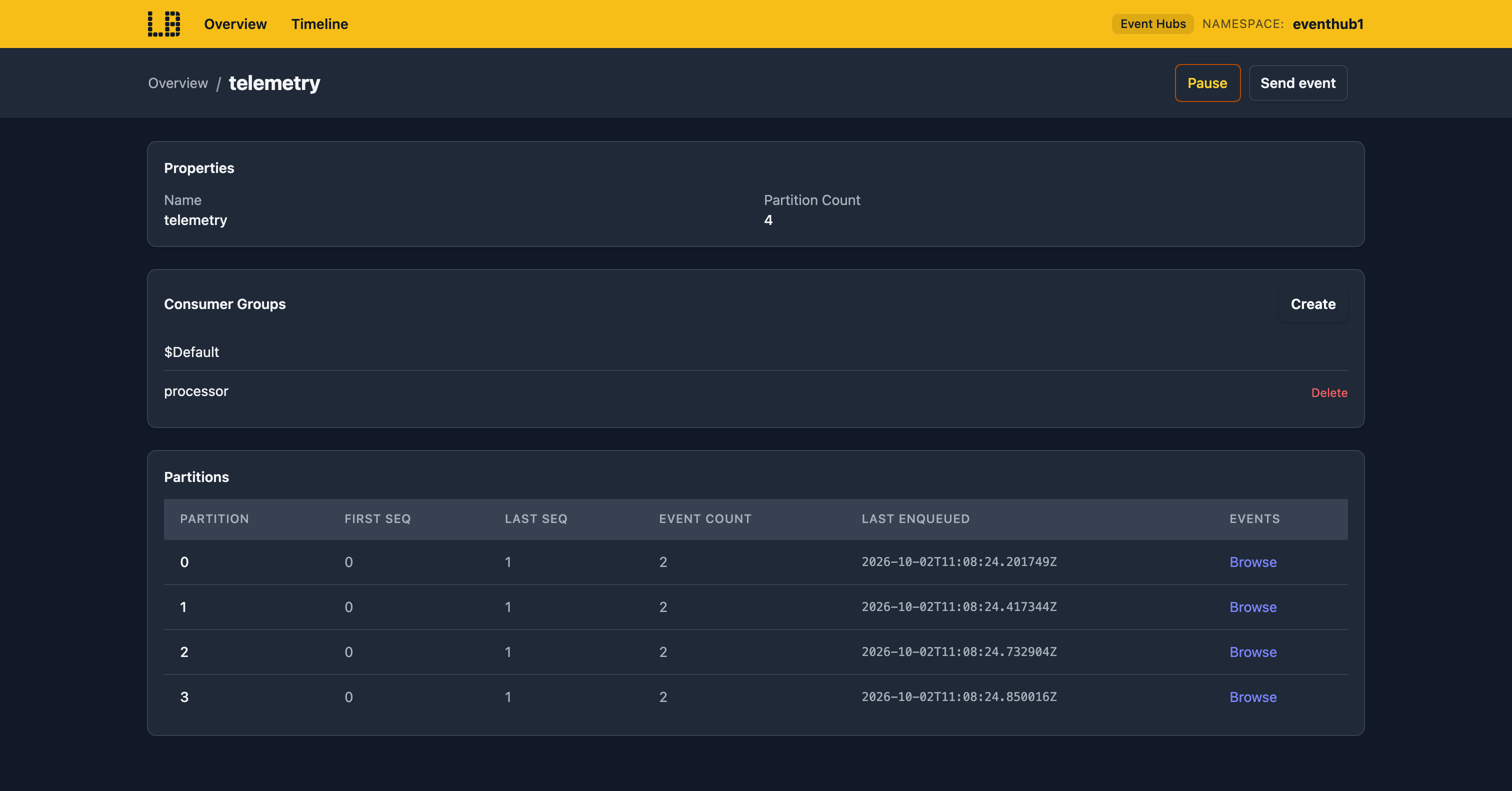
Event Hubs Emulator - Event hubs, their partitions and the consumer groups reading them.
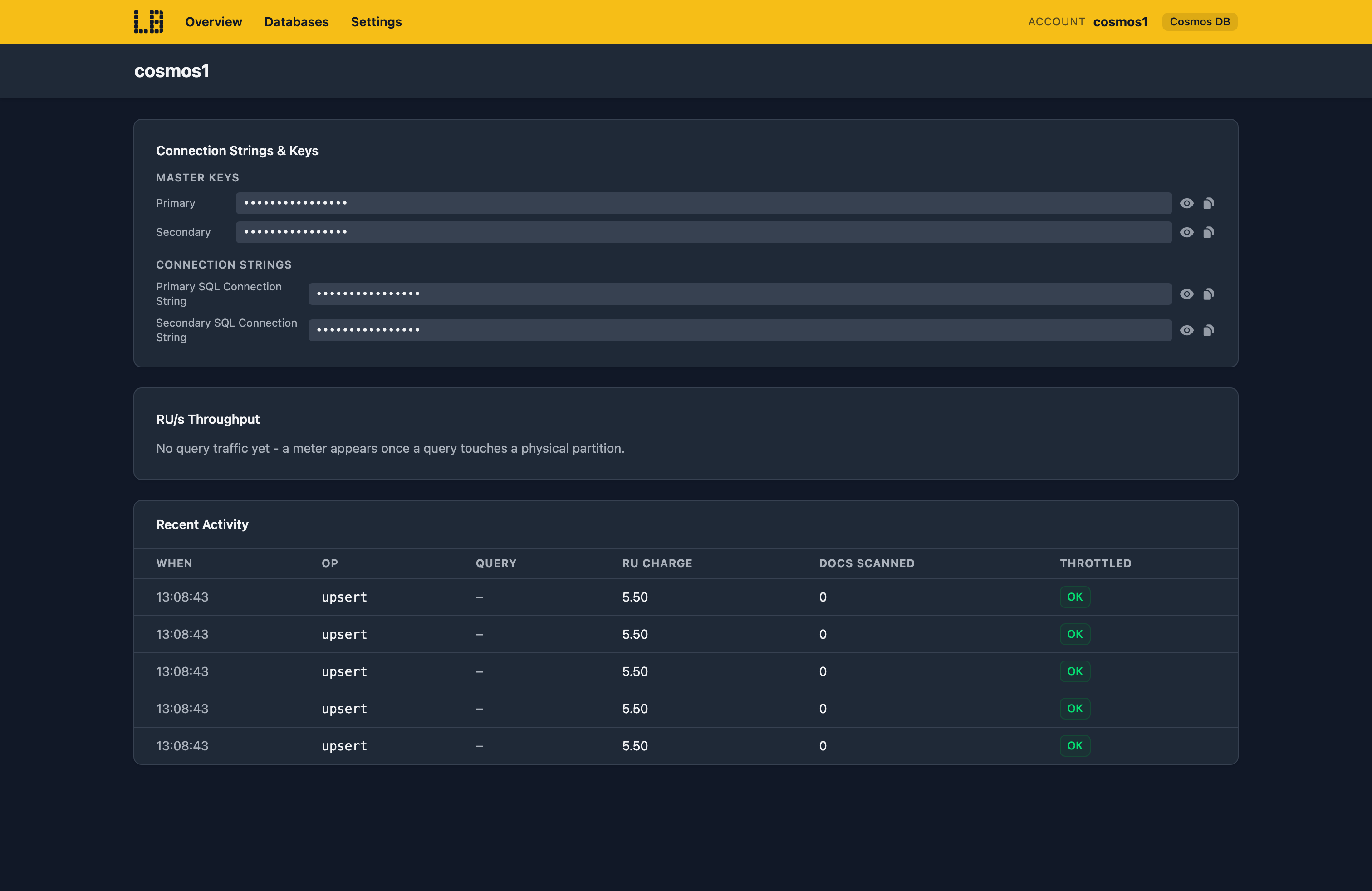
Cosmos DB Emulator - Cosmos DB accounts over the SQL and MongoDB APIs, with their keys and connection strings.
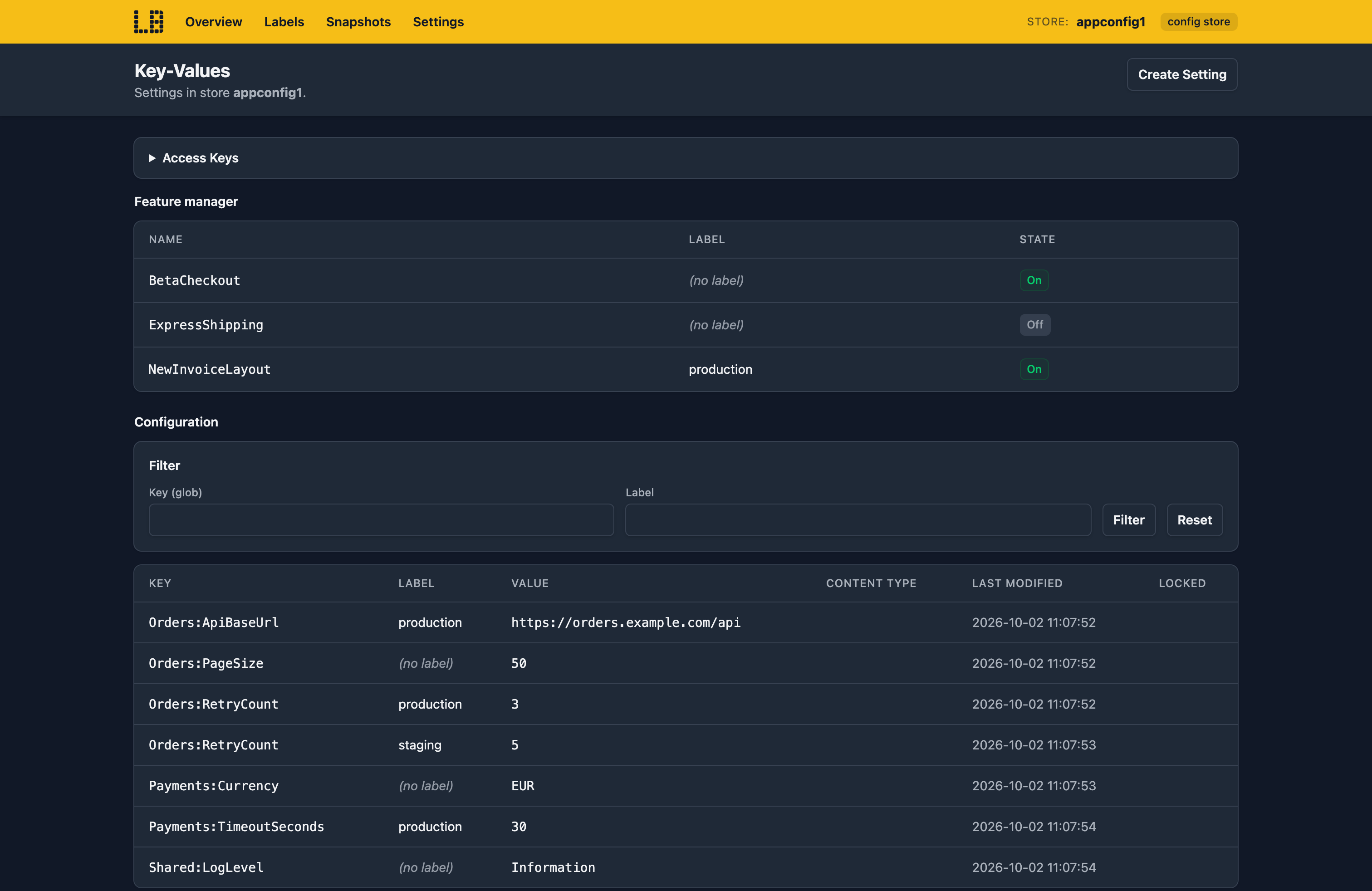
App Configuration Emulator - Key-values, labels and snapshots for an App Configuration store.
Sign in during Public Preview to get the Team plan free, plus an early-adopter discount when we launch. Sign in
