Locally Dashboard
Sign in during Public Preview to get the Team plan free, plus an early-adopter discount when we launch. Sign in
Locally Dashboard
The Locally Dashboard allows you to interact with everything running within Locally - such as the Resources you've deployed, their logs and traces, and estimates of how much they'd cost to run in Azure.
It's launched automatically when you run locally build, and is available at https://localhost:5678.
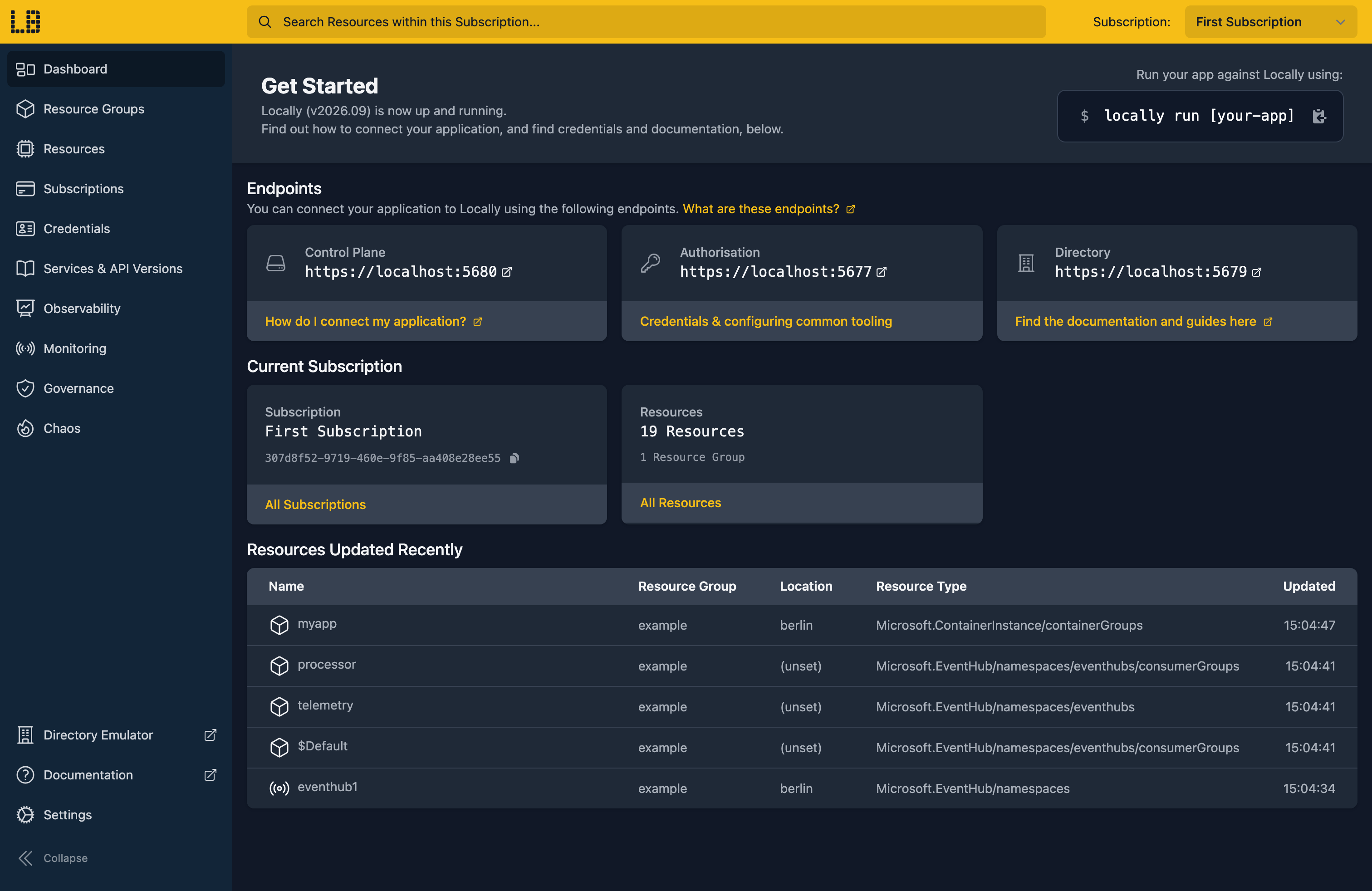
What's in the Dashboard?
Each section of the Dashboard covers a different part of Locally:
| Section | What it's for |
|---|---|
| Resource Groups | View and manage the Resource Groups within the current Subscription. |
| Resources | View and manage the Resources within the current Subscription. |
| Subscriptions | View, create and delete Subscriptions. |
| Credentials | The credentials needed to connect to Locally, and how to use them. |
| Services & API Versions | The Resource Providers and API Versions supported by this version of Locally. |
| Observability | The logs, traces and Activity Log for your deployments - along with Architecture Diagrams, Cost Estimation and the Minimum Necessary Permissions needed to deploy them. |
| Monitoring | The Application Insights components, Log Analytics workspaces and alerts you've created. |
| Governance | Whether your deployment complies with Azure Policy - both the built-in definitions and your own. |
| Chaos | Simulate an outage of a Subscription, Region or Resource Provider, to see how your application behaves. |
| Directory Emulator | Opens the Directory Emulator. |
| Settings | Themes, languages, Feature Flags and Resource Provider plugins. |
Multiple Subscriptions
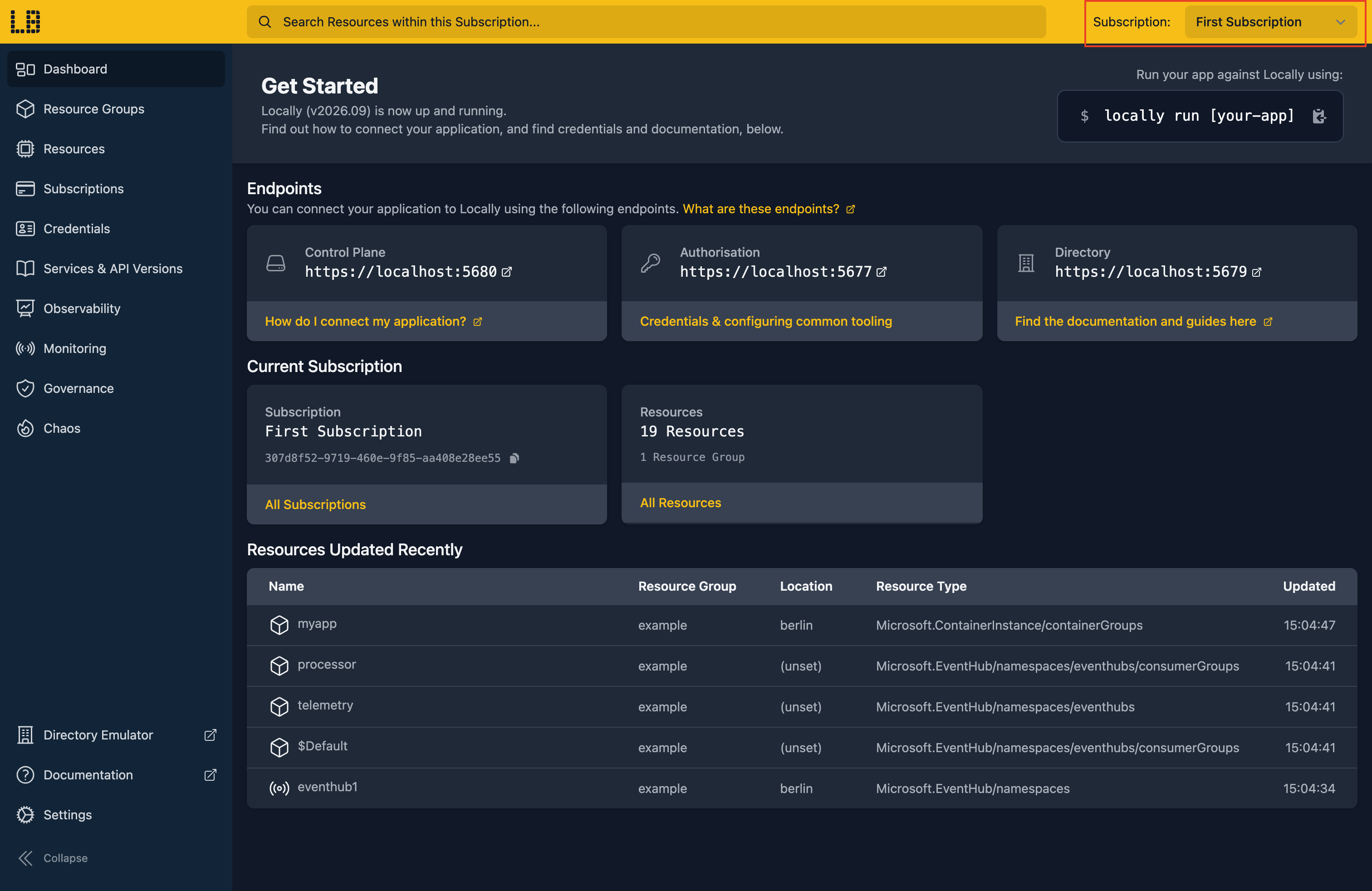
Locally supports multiple Subscriptions, and the Dashboard shows one Subscription at a time. You can switch between them using the selector in the top-right, and the Dashboard will remember which one you picked:
You can also create (and delete) Subscriptions from the Subscriptions section:
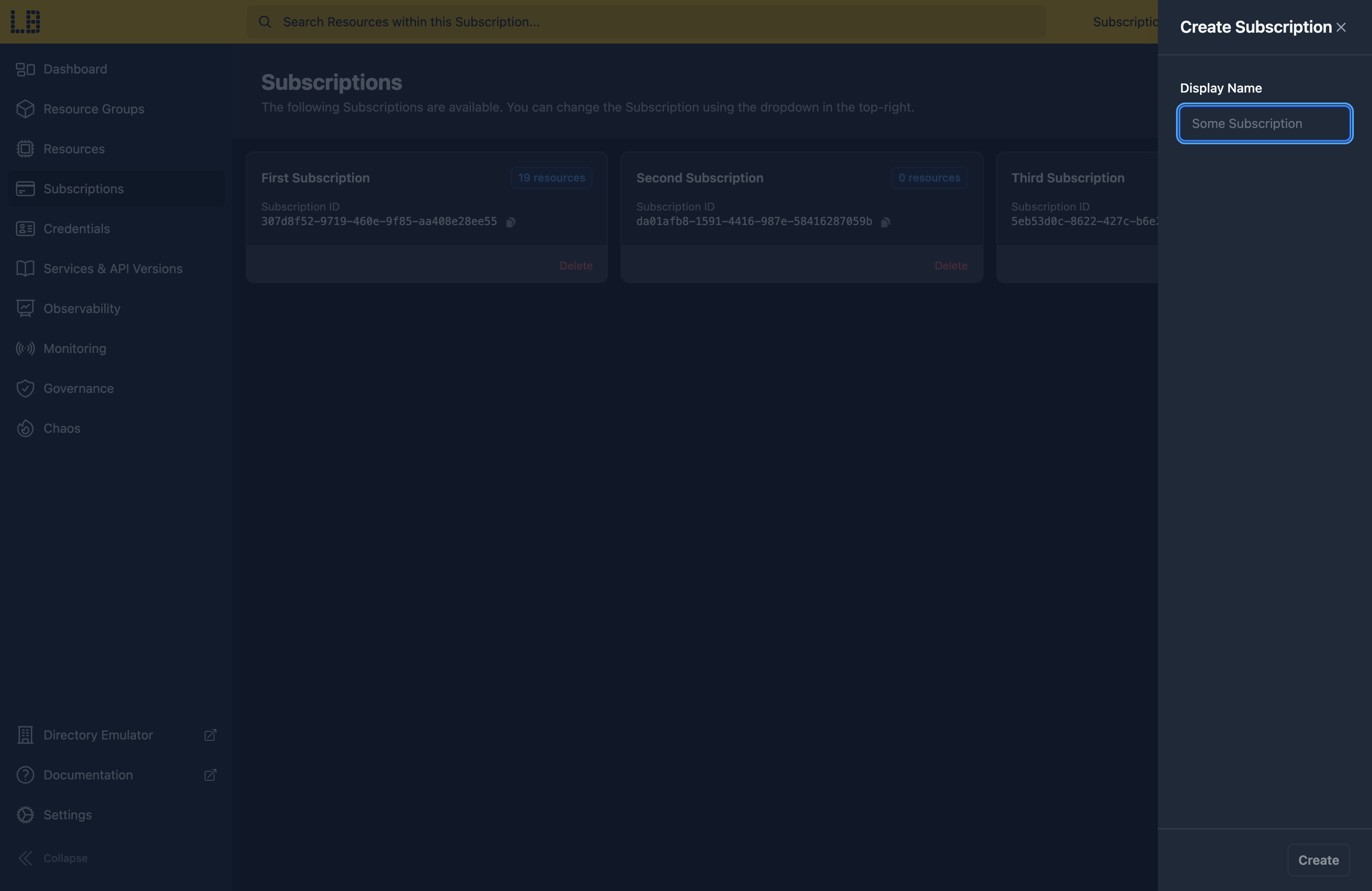
The number of Subscriptions available depends on your plan - 1 on Starter, 3 on Standard, and unlimited on Team.
Themes
Locally supports 9 different themes, which apply across all of Locally's components - the Locally Dashboard, the Directory (Entra) Emulator, the Data Plane Emulator UIs and so on. The Dark theme (shown below) is used by default, but you can pick a theme during locally setup, or change it at any time from the Settings page in the Locally Dashboard:
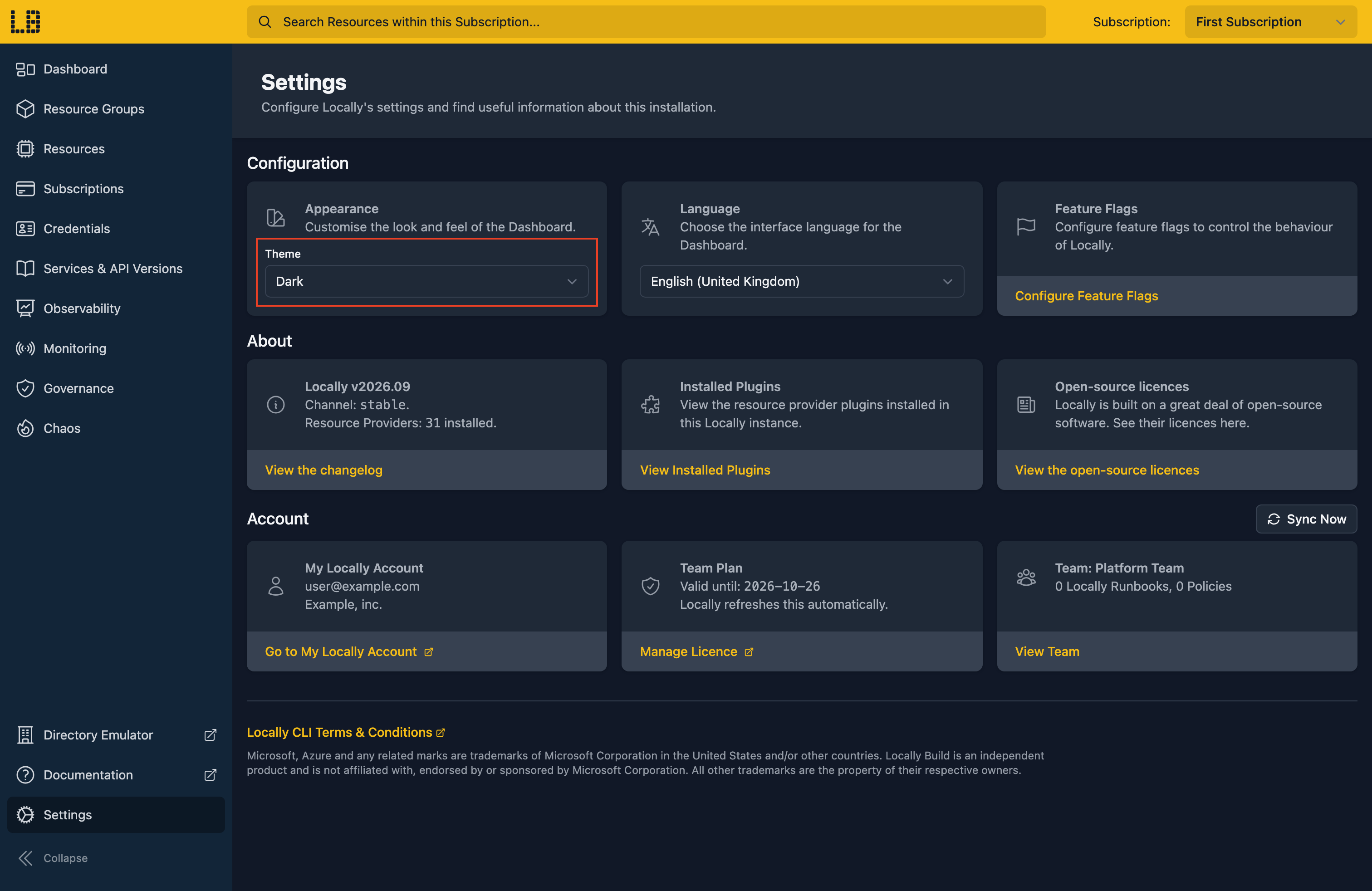
For example, the Forest theme:
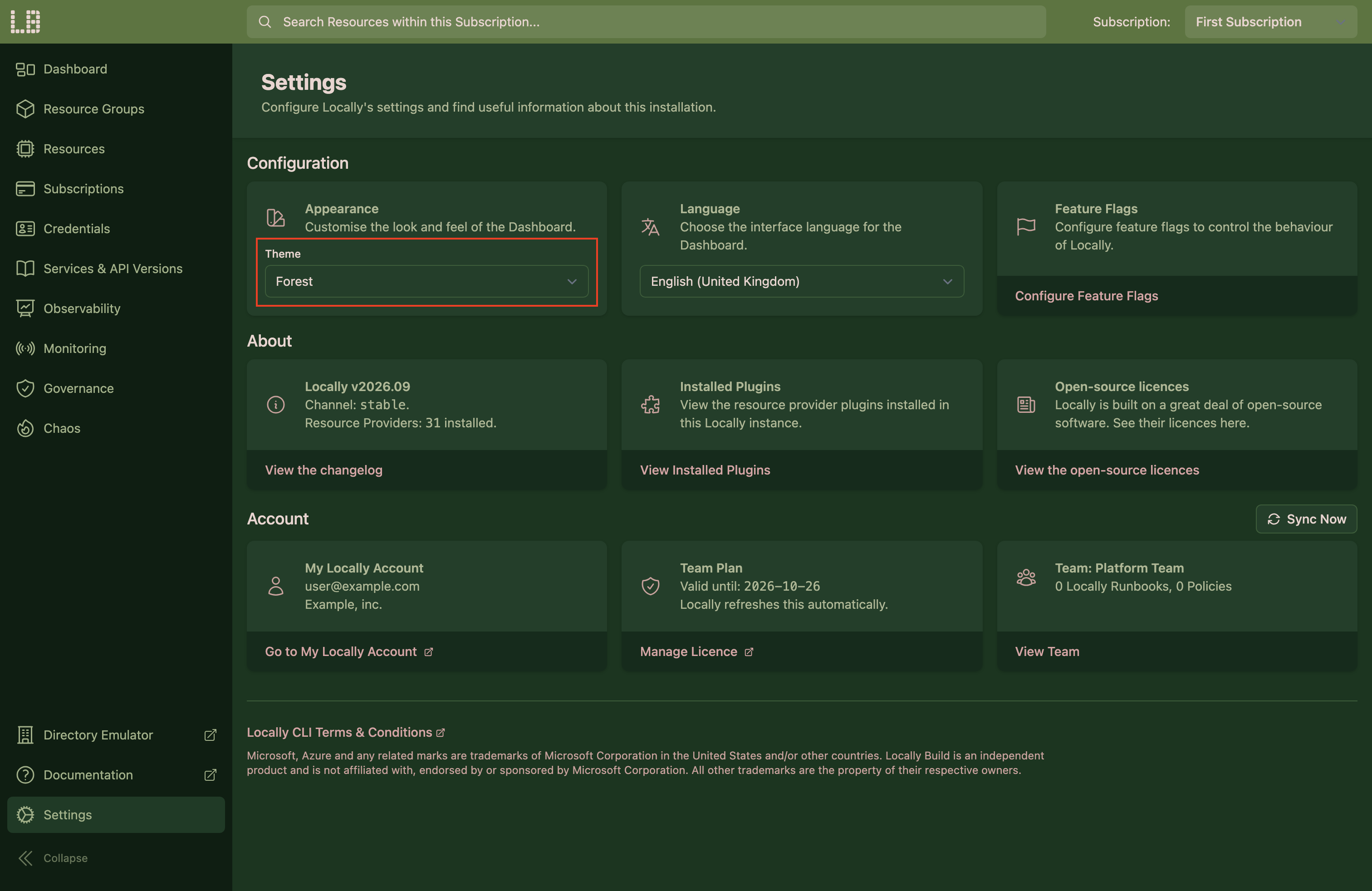
Locally currently includes the following themes:
Languages
Locally supports 16 different languages, which apply across all of Locally's components - the Locally Dashboard, the Directory (Entra) Emulator, the Data Plane Emulator UIs and so on. By default Locally uses your machine's language, but you can pick a language during locally setup, or change it at any time from the Settings page in the Locally Dashboard - for example, in German:
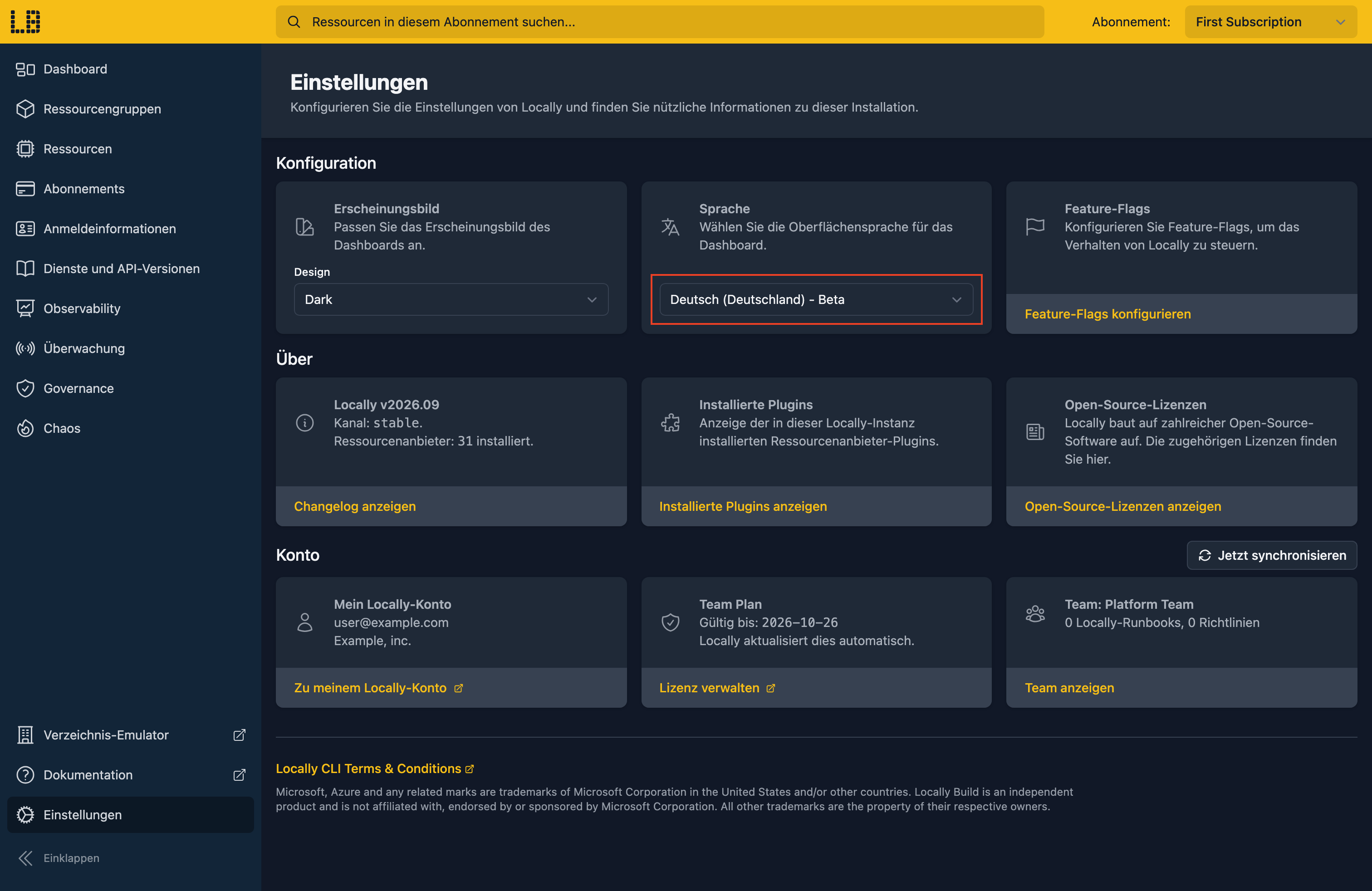
Locally currently supports the following languages:
Notes
The Locally Dashboard is intended as a development aid - so it works with one Subscription at a time (which you can switch using the selector in the top-right), and isn't available when Locally is running in CI mode.
Should you encounter any issues, please take a look at the troubleshooting section.
Sign in during Public Preview to get the Team plan free, plus an early-adopter discount when we launch. Sign in
