Using Locally with the Pulumi Azure Native Provider
Sign in during Public Preview to get the Team plan free, plus an early-adopter discount when we launch. Sign in
Using Locally with the Pulumi Azure Native Provider
Pulumi is an infrastructure as code tool which uses providers to interact with different clouds - and Locally supports both the Azure Native and the Azure Classic providers.
There are two Pulumi providers for Azure, we're going to use the Azure Native provider in this guide.
If you'd prefer to use Locally with the Azure Classic provider, we have a separate guide covering that.
This guide was tested using the following versions of Pulumi and the Azure Native provider, but newer versions should work too:
pulumi-v3.263.0Azure Nativeprovider -v3.27.0
Creating a Pulumi Project
In an empty directory, we can use the pulumi new command to create a new Pulumi project:
                $


            pulumi new azure-go
We're using Golang in this guide, but you should be able to use any Pulumi supported language provided you're using the latest version of the provider.
By following the built-in prompts (we'd recommend setting the default location to berlin) - eventually we get a scaffolded Pulumi project:
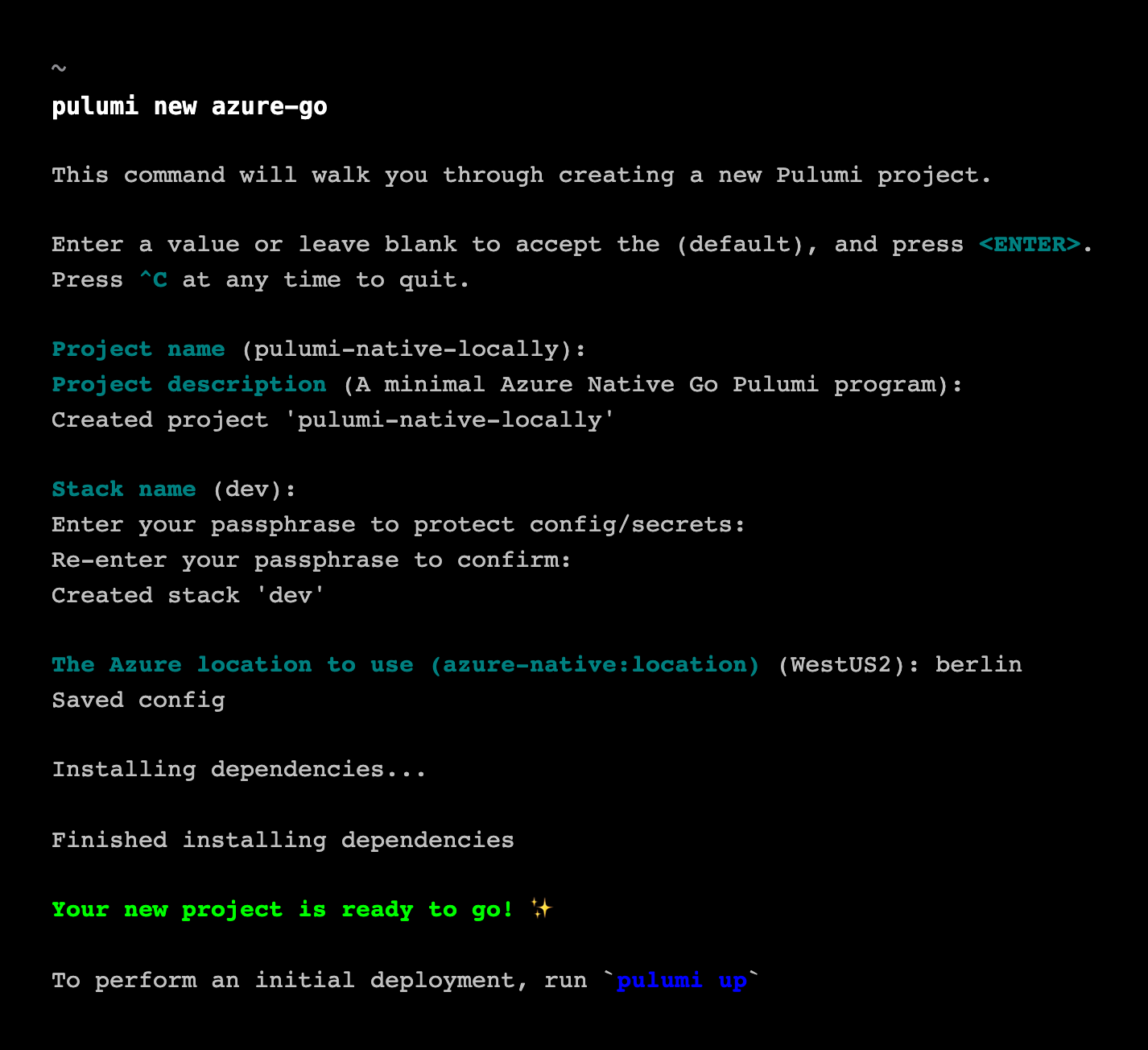
The scaffolded main.go creates a Resource Group and a Storage Account, which is enough to exercise the provider against Locally.
Provisioning a Resource Group
At this point we're ready to provision our infrastructure. If you haven't already started Locally, you can do so using:
                $


            locally build
Since the Pulumi project that we've created sources credentials from the Environment (that is, using Environment Variables) - we can use Automatic Configuration to run this against Locally:
                $


            locally run pulumi up
When we do, Pulumi will download the required dependencies and show us a preview of the infrastructure it's about to provision:
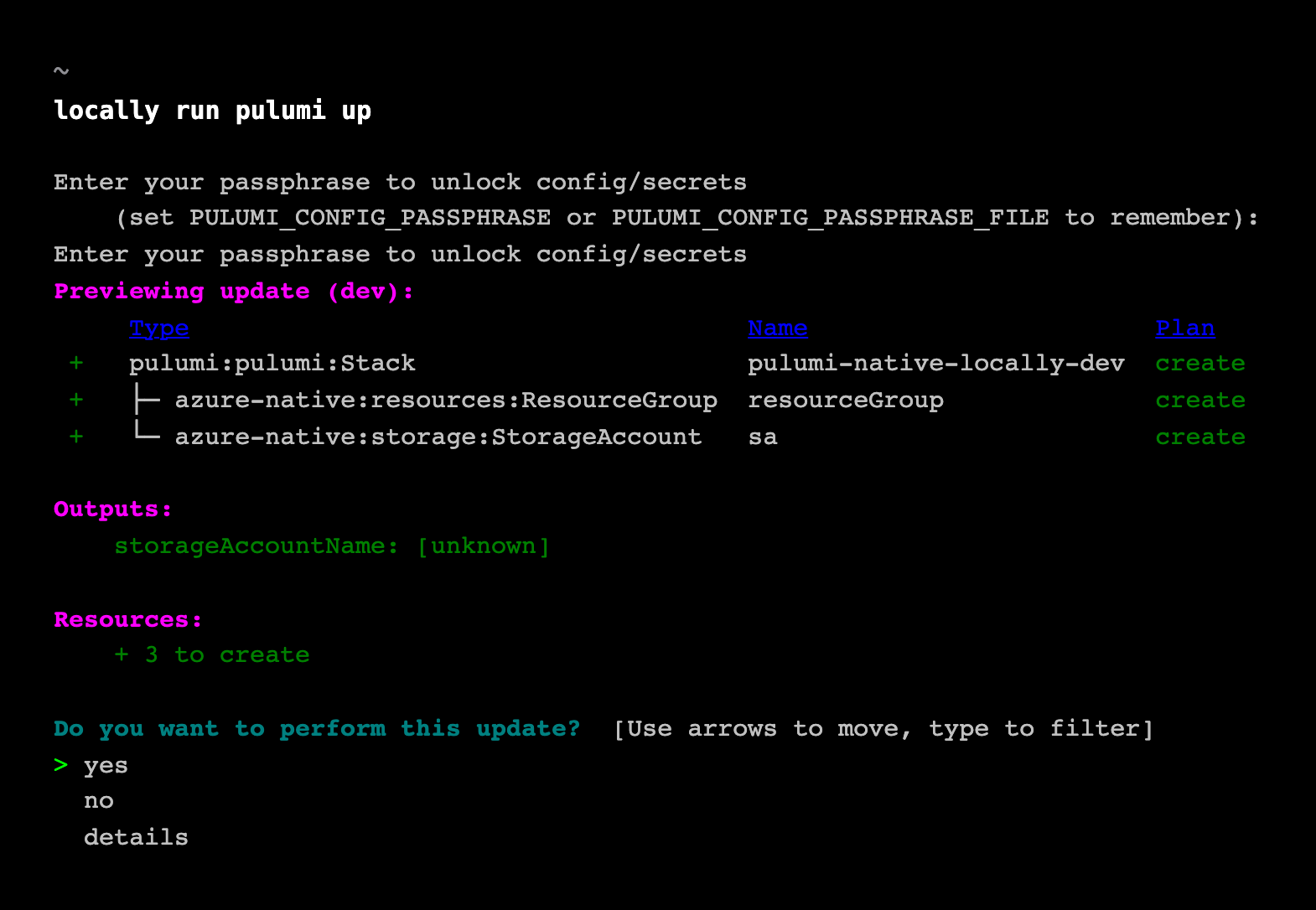
Once we confirm, Pulumi will provision the infrastructure against Locally and then output the result:
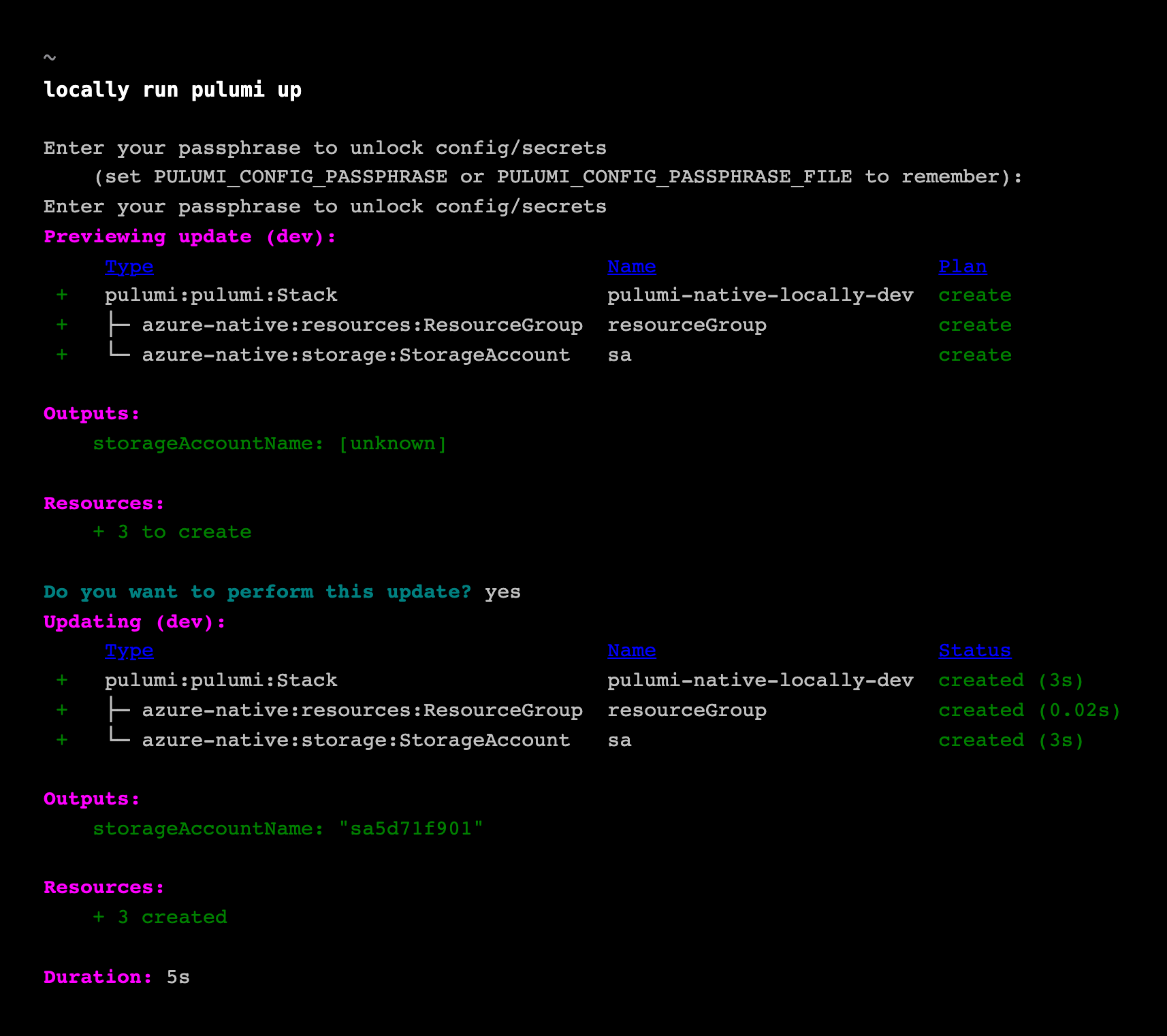
With Pulumi having finished provisioning, if we open the First Subscription within the Locally Dashboard, and view the Resource Groups then we should see our newly created Resource Group.
Whilst this example shows how to use the Pulumi Golang SDK to provision a Resource Group, as Pulumi supports different providers and languages for interacting with Azure, you should be able to use Locally with any of them. Just be sure you're using the most recent version of the provider.
Next steps
You can find more examples of how to use Pulumi with Locally in the Examples in the Documentation. To run pulumi up against Locally in your pipeline, see Using Locally in CI.
Should you encounter any issues, please take a look at the troubleshooting section.
Sign in during Public Preview to get the Team plan free, plus an early-adopter discount when we launch. Sign in
