Cosmos DB Emulator
Sign in during Public Preview to get the Team plan free, plus an early-adopter discount when we launch. Sign in
Cosmos DB Emulator
Azure Cosmos DB is a globally distributed database service - storing JSON documents which you can query using SQL, along with MongoDB and Table APIs for applications which use those.
Locally supports both provisioning Cosmos DB accounts (and the databases and containers within them) and creating, querying and changing the items within them - so you can fully test your application against it.
When you provision an account in Locally, its SQL (NoSQL) API is available at https://<account>.cosmonaut.locally:5665/ - with the MongoDB and Table APIs on their own hostnames, for accounts which use them - which you can connect to using the account's connection string from the Cosmos DB SDKs and MongoDB drivers.
Finding the Emulator
Once an account has been created, you can find its Document Endpoint on its resource page within the Locally Dashboard, along with the Cosmos DB Explorer:
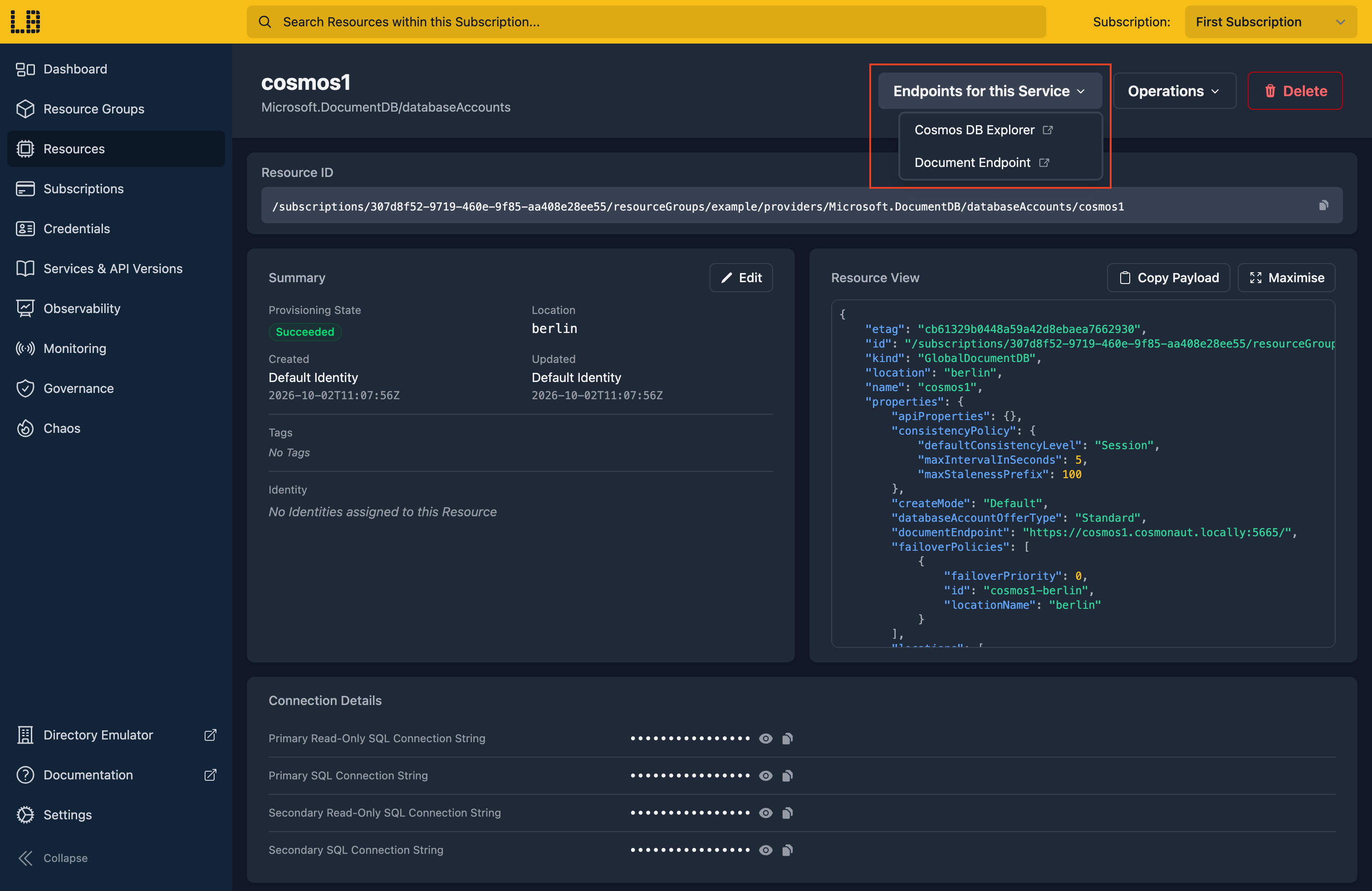
The Cosmos DB Emulator
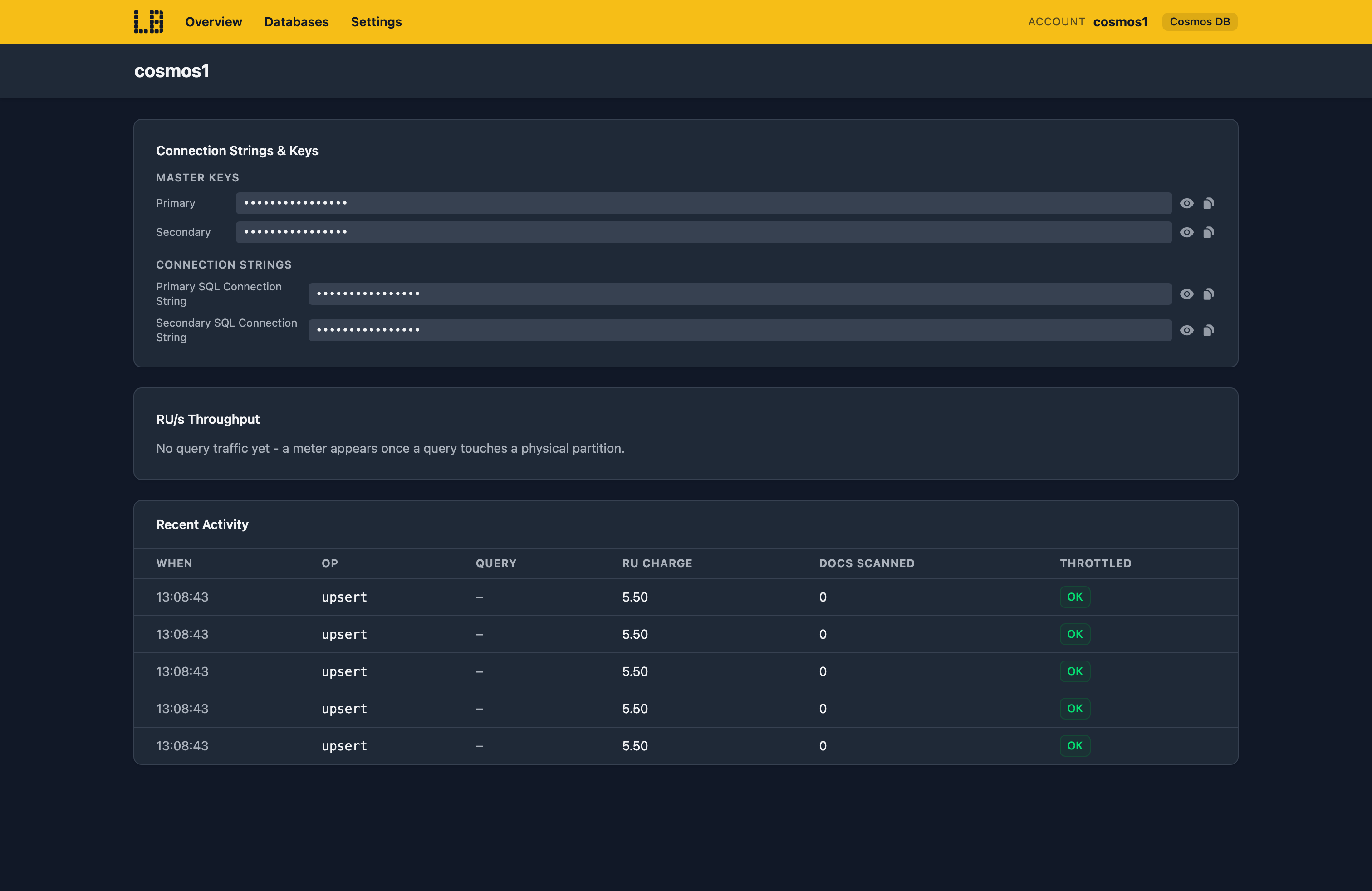
Within the Cosmos DB Explorer you can find the account's keys and connection strings, see the Request Units used on each partition, and the most recent operations - with what each one cost:
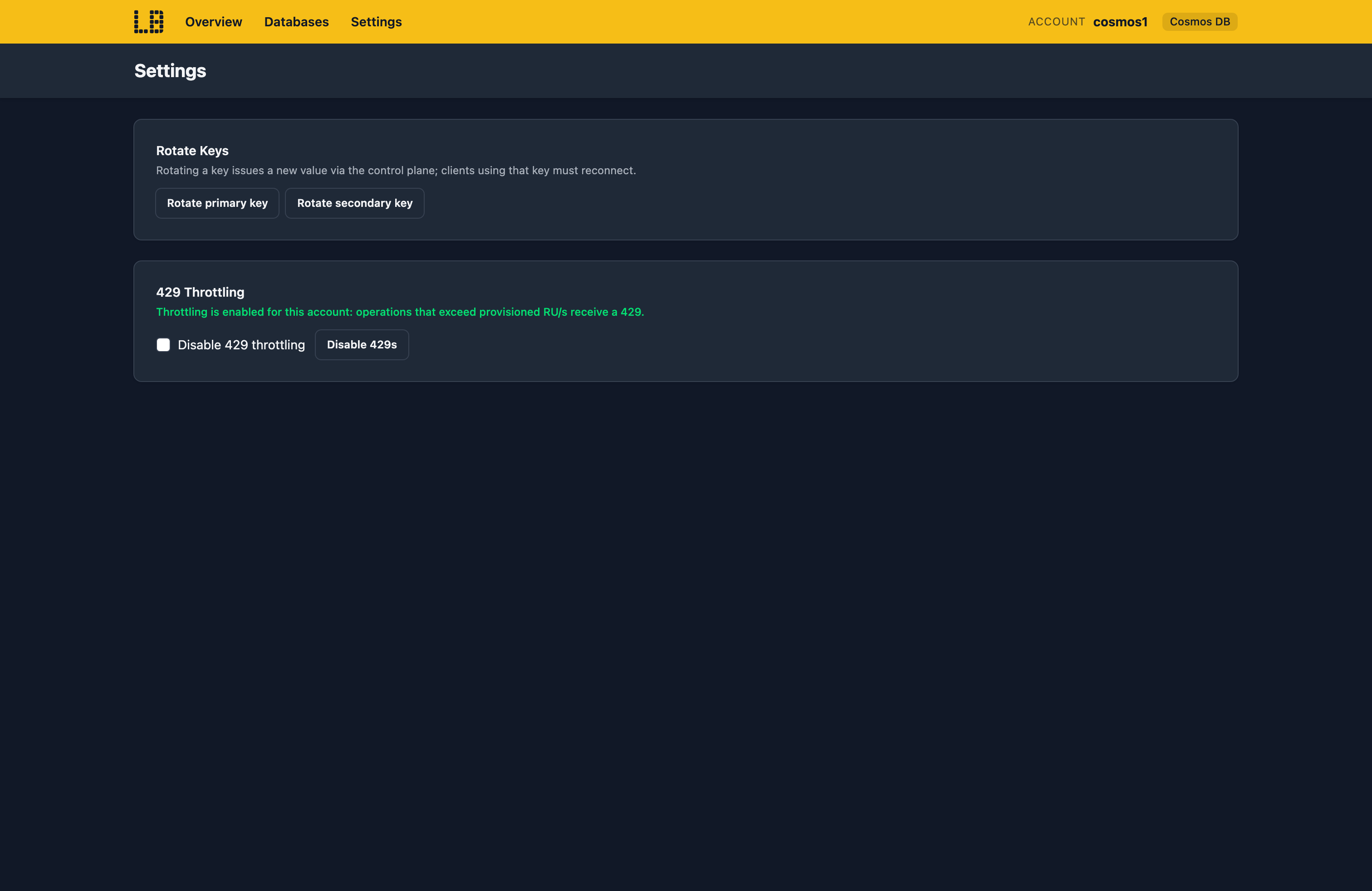
You can also browse and create databases, containers and items - and under Settings, rotate a key to check your application picks up the new one, or turn throttling off:
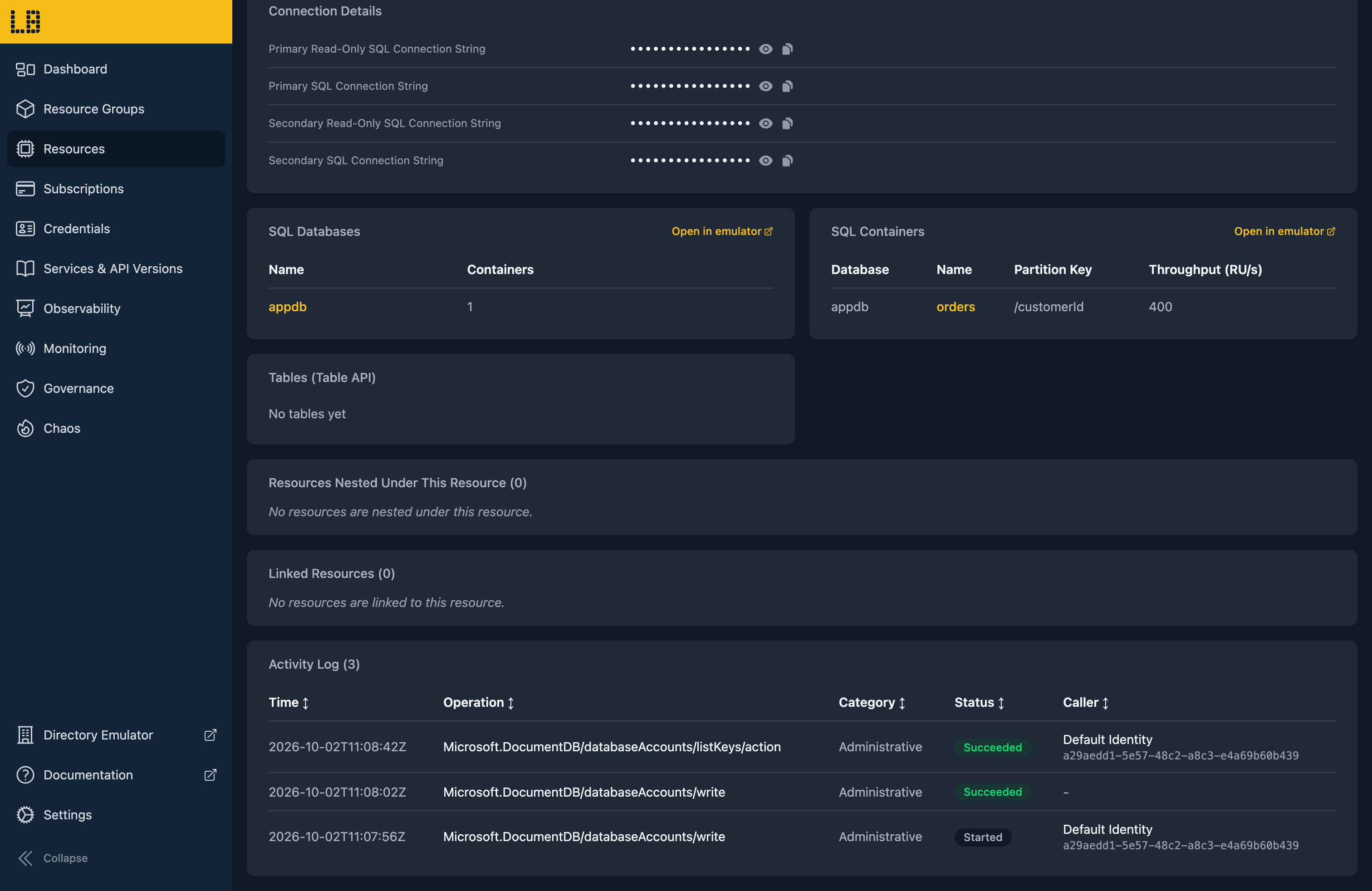
Databases and containers created in the Explorer, the Azure CLI or the Azure SDKs also appear on the account's resource page in the Locally Dashboard:
What's Supported
The Cosmos DB emulator supports:
Authentication is supported using a Microsoft Entra token (checked against the account's Cosmos DB data plane role assignments), resource tokens, or the account's keys - read-only keys can only read, and an account with local authentication disabled refuses its keys.
Every request is charged Request Units against the throughput you provisioned, so going over it returns a 429 with a retry-after, as it would in Azure. The charges are close to Azure's, but not exact - so use them to spot an expensive query, rather than to size an account.
Chaos Engineering (on the Team plan) can throttle, fail, slow down or drop SQL API requests - or simulate a regional outage - so you can check your application copes when Cosmos DB doesn't.
Cosmos DB also works with Locally's other emulators, as you'd expect - for example:
- The change feed drives Cosmos DB triggers in the Function App Emulator.
Examples
This end-to-end example uses the Cosmos DB emulator, and has everything you need to run it against Locally:
Differences from Azure
As of Locally v2026.09.02, the Cosmos DB emulator has the following differences from Azure:
- Only Gateway mode is served. The .NET SDK defaults to Direct mode, so set
ConnectionMode = ConnectionMode.Gateway. - Gremlin and Cassandra accounts can be created, but there's no Gremlin or Cassandra endpoint behind them.
- There's a single region and a single replica, so every consistency level reads the latest write, and conflicts never happen.
- Partitions don't split or merge, and autoscale throughput doesn't scale with load.
- Stored procedures have no execution time limit.
- For MongoDB, users can't be managed over the wire protocol, and tailable cursors aren't supported.
Should you encounter any issues, please take a look at the troubleshooting section.
Sign in during Public Preview to get the Team plan free, plus an early-adopter discount when we launch. Sign in
