Sign in during Public Preview to get the Team plan free, plus an early-adopter discount when we launch. Sign in
For Teams
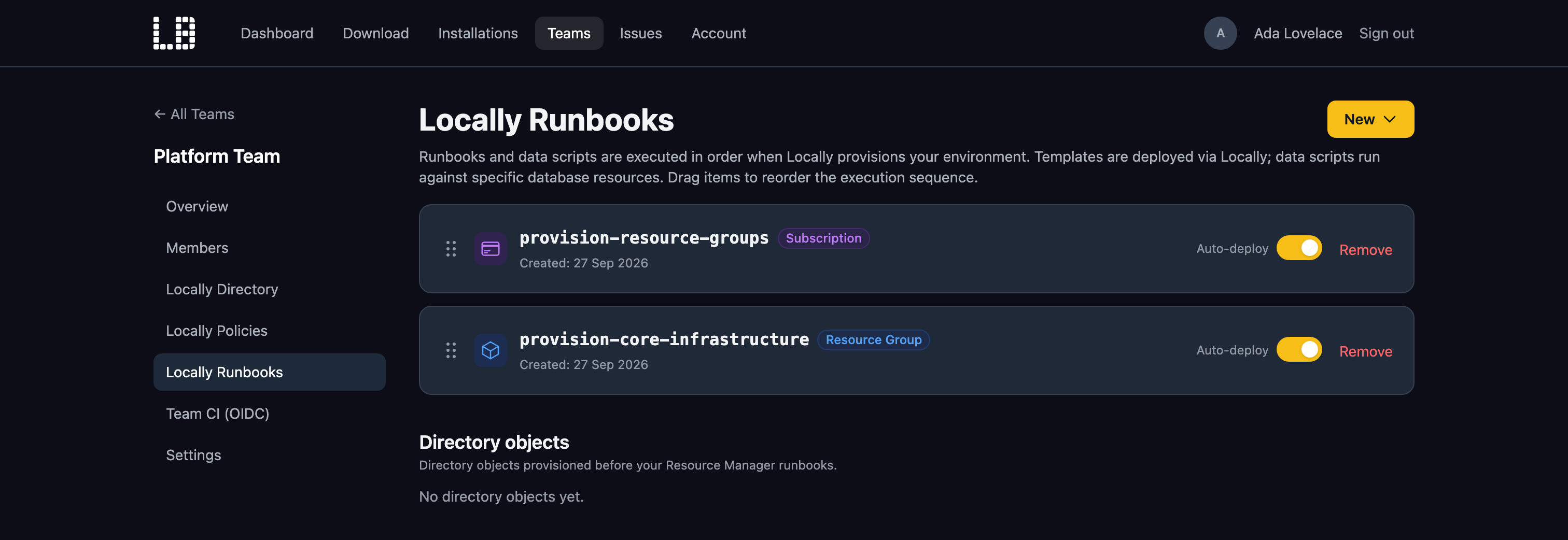
Every developer and AI agent gets their own Azure environment, without waiting on anyone for subscription access. Your Locally Runbooks bootstrap it the same way for everyone, and your policies come built in, so violations show up on the laptop and in CI, not after a deploy.
Two people run tests against the same subscription at once. One run's cleanup deletes the other's resources, and nobody knows if the failure is a bug or a collision.
A pull request passes code review, then fails Azure Policy on the way to production. The deploy is blocked while someone on the platform team works out which rule it tripped.
Every developer deploying into a shared subscription takes a slice of your quota. Cores spent on throwaway dev environments can't go to staging and production.
Locally already gives every developer and AI agent their own complete Azure environment, with the same guarantees in CI. The Team plan adds a Locally Account where admins manage shared policies, runbooks and directory content - synced automatically to every member's install.
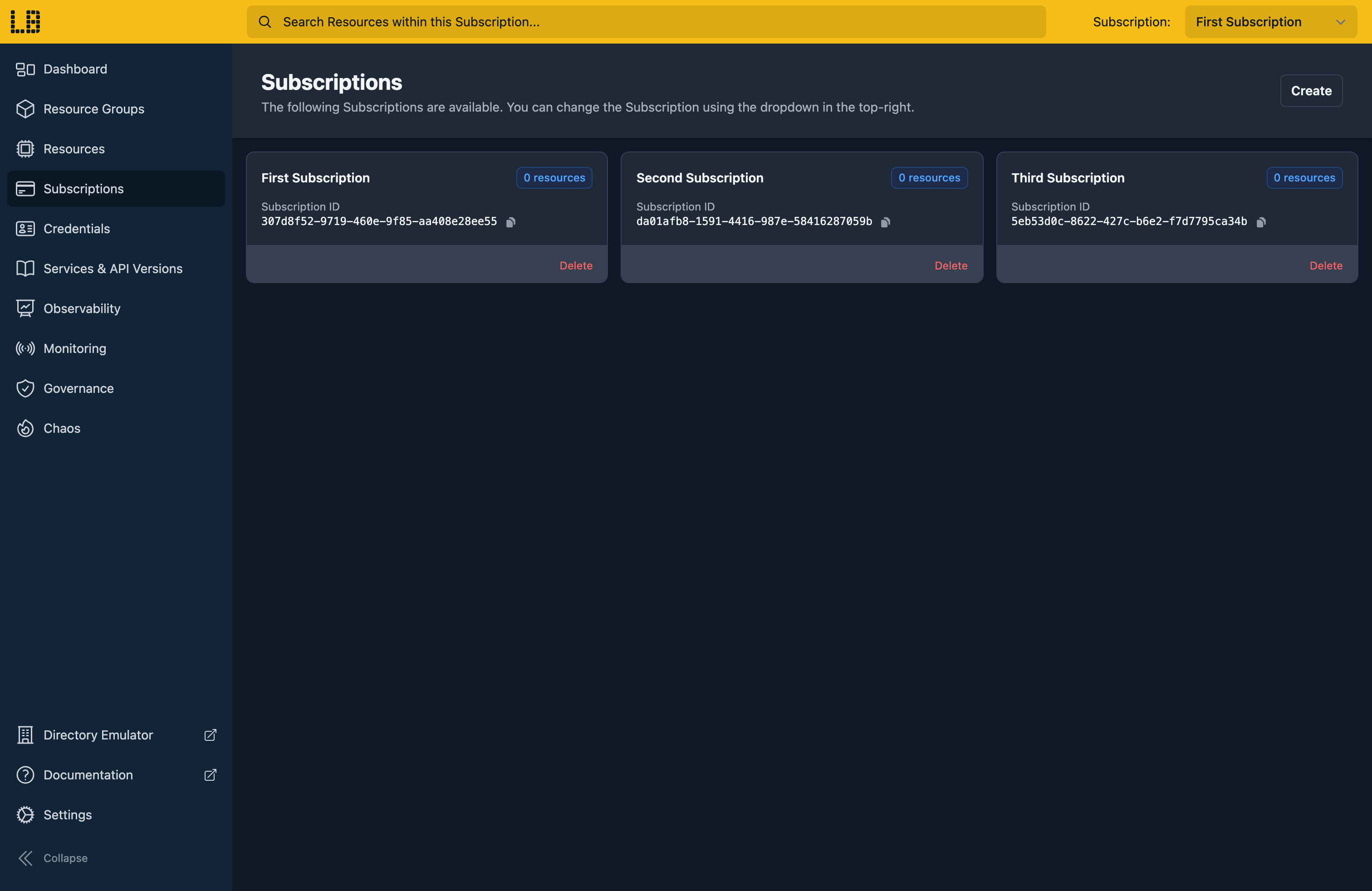
Each developer runs a complete Azure environment on their own machine, with as many subscriptions as they need. Nobody shares state, and nobody overwrites anyone else's resources. Prefix a command with locally run and your existing Terraform, Bicep, Pulumi and Azure CLI point at it instead of Azure.
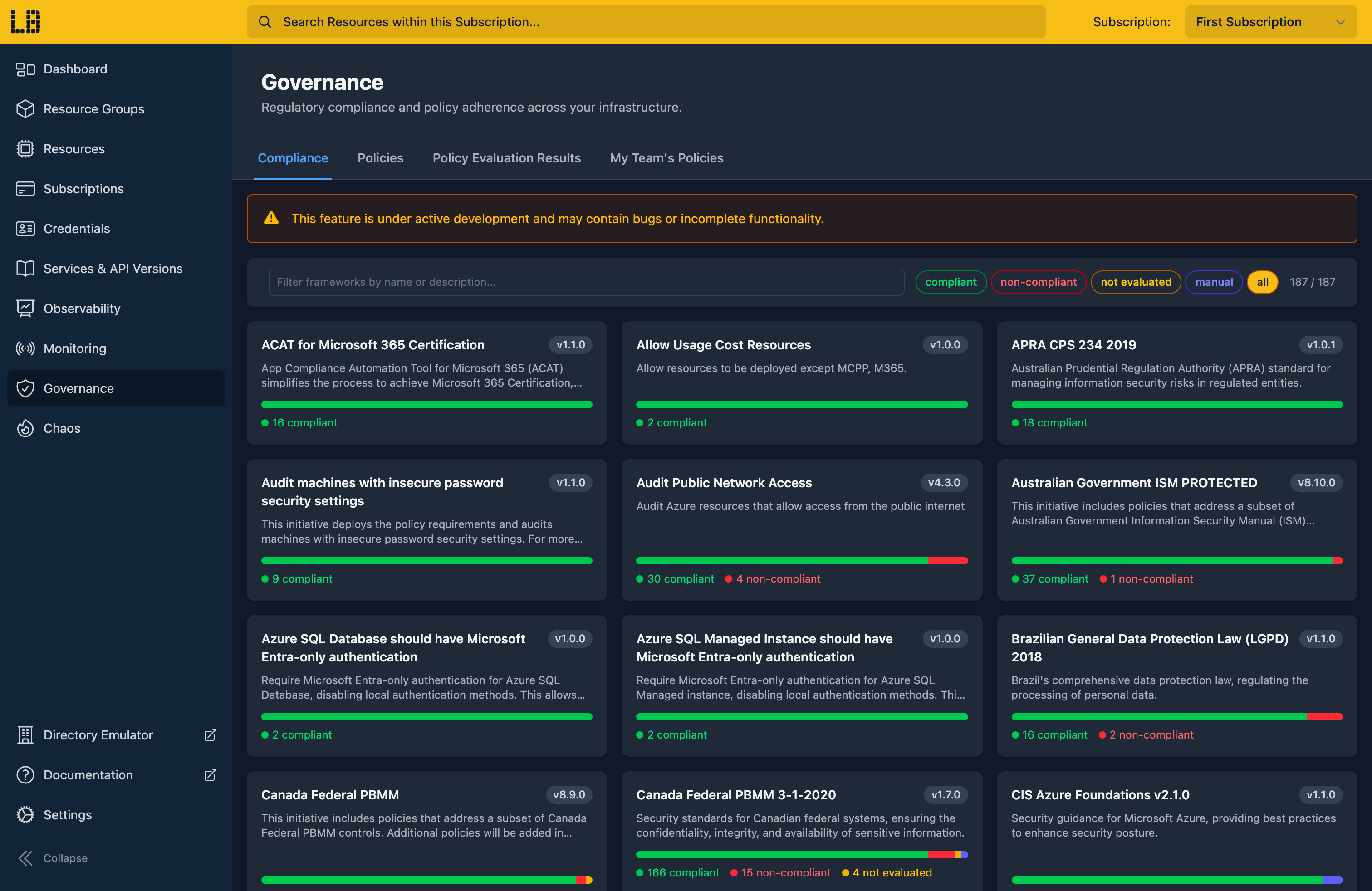
Run Azure Policies - both the built-in regulatory frameworks and your team's custom rules - against the resources in your local subscription. Developers see violations during development, not after a failed deployment.
Runbooks provision the infrastructure and data your team depends on - a shared Virtual Network, a Key Vault, a database with its schema and seed data - either automatically when Locally starts, or on demand from the CLI, the Dashboard or the MCP Server.
# Deploy a team-defined service stack
$ locally runbooks deploy install-consul
Deploying runbook "install-consul" from team "Platform"...
Preparing Template Deployment..
------------------------------------------
Scope: Subscription
Location: berlin
Deployment Name: locally-armtemplate-3f29c1
------------------------------------------
Template Deployment deployed successfully!
# Same baseline on every machine in the team.
Inject failures, latency and rate limits into the Control Plane, the Directory and the data plane emulators. Verify your Infrastructure as Code and application code handle 429s, 500s, dropped connections and provider outages the way you intended - on your laptop, before anything hits production.
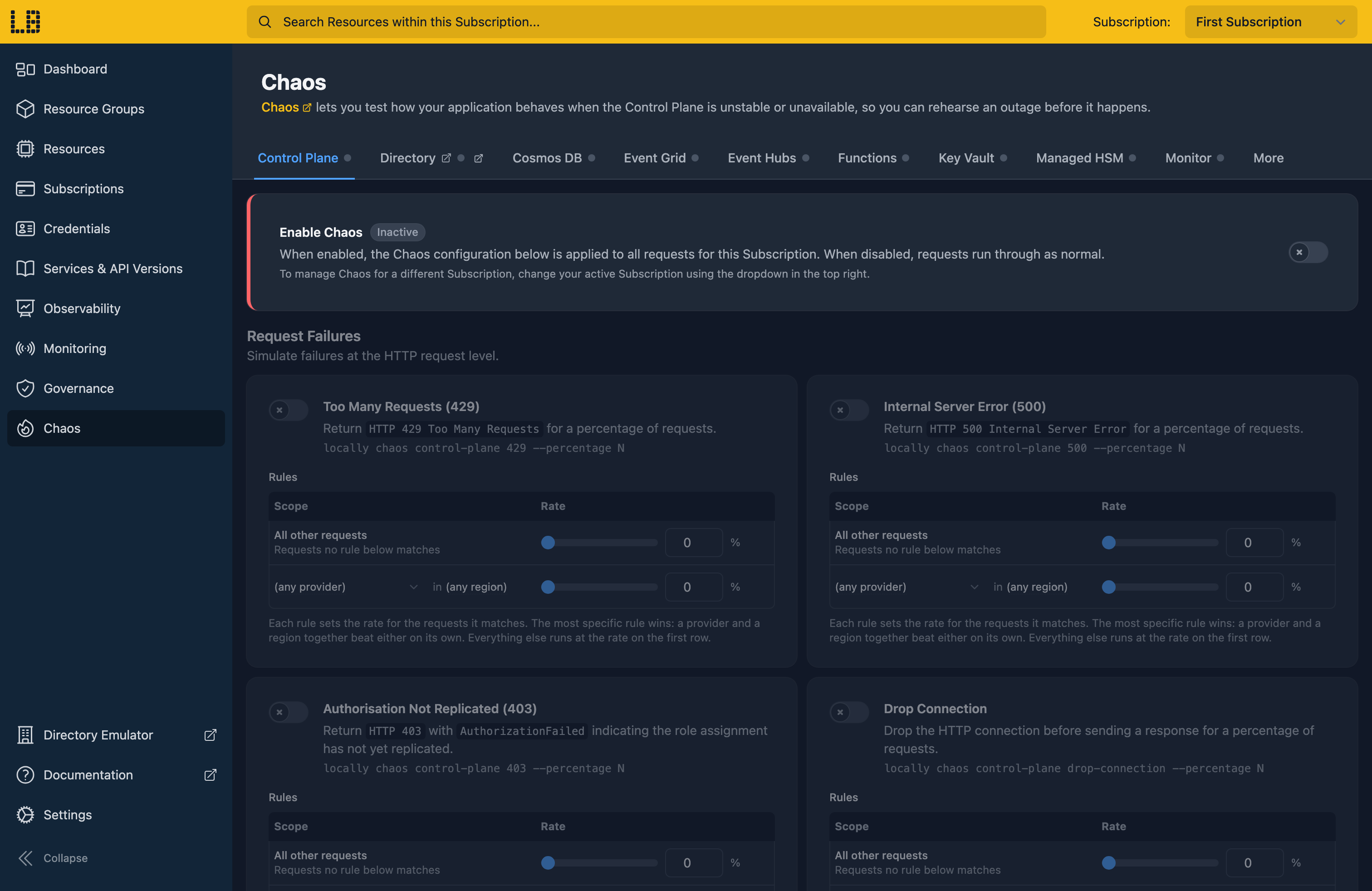
# Simulate a Storage provider outage
$ locally chaos control-plane outage \
--percentage 65 \
--plugin Microsoft.Storage
control-plane outage: now fires on 65% of requests to Microsoft.Storage.
# Watch your app. Does it carry on, or fall over?
Run your Infrastructure as Code against Locally in CI. Each pipeline run gets a fresh Azure environment that's gone when the job ends, so there's nothing shared between runs and no rate limit to make your tests flaky.
# .github/workflows/infra-test.yml
permissions:
id-token: write
steps:
- uses: locallybuild/setup-locally@v1
with:
team-uuid: ${{ vars.LOCALLY_TEAM_UUID }}
- run: locally run terraform apply -auto-approve
- run: locally run go test ./...
- uses: locallybuild/setup-locally/teardown@v1
if: always()
# No secrets in the repo. Nothing left running when the job ends.
Locally Directory shows who on the team has been working with each Azure service lately, based on what they've deployed. Looking for a reviewer for a Service Bus change, or someone to pair with on Cosmos DB? It tells you who to ask.
Who's worked with...
Also included on the Team plan: custom regions, priority support, and every Standard plan feature. See Pricing for details →
Your install pulls team content from your Locally Account on a schedule and caches it, so day-to-day work doesn't need a connection. Resource names and properties never leave the machine, and analytics are opt-in. See Security & Telemetry →
Install Locally, create a Team on your Locally Account, invite your colleagues, and let the policies, runbooks and shared content follow them automatically.
Or read more: For Developers · Features · Pricing · Documentation
We'll send you product updates and new feature announcements. No spam, unsubscribe anytime.
Your Azure infrastructure, running on your machine. Deploy in seconds, break things freely, and ship to Azure when you're ready.
