Storage Emulator
Sign in during Public Preview to get the Team plan free, plus an early-adopter discount when we launch. Sign in
Storage Emulator
Azure Storage provides storage for your application's data - blobs (such as files and images), file shares, queues and tables.
Locally supports both provisioning Storage Accounts and managing the data within them (such as blobs, file shares, queues and tables) - so you can fully test your application against it.
When you provision a Storage Account in Locally, each service gets its own endpoint - such as https://<account>.blob.core.storage.locally:5660 - which you can connect to using the account's connection string, from the Azure Storage SDKs and the az storage commands.
Finding the Emulator
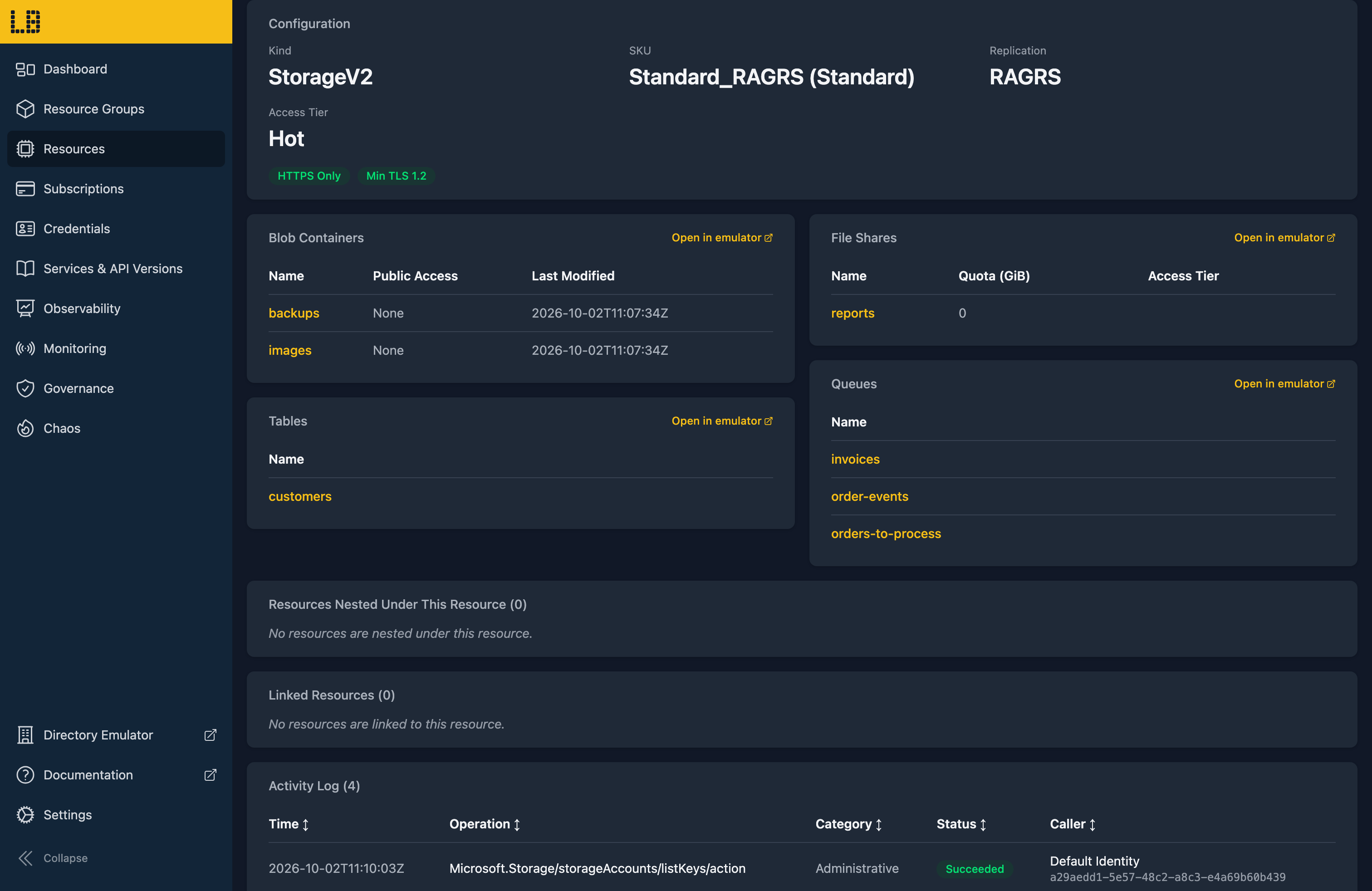
Once a Storage Account has been created, you can find the endpoint for each service on its resource page within the Locally Dashboard:
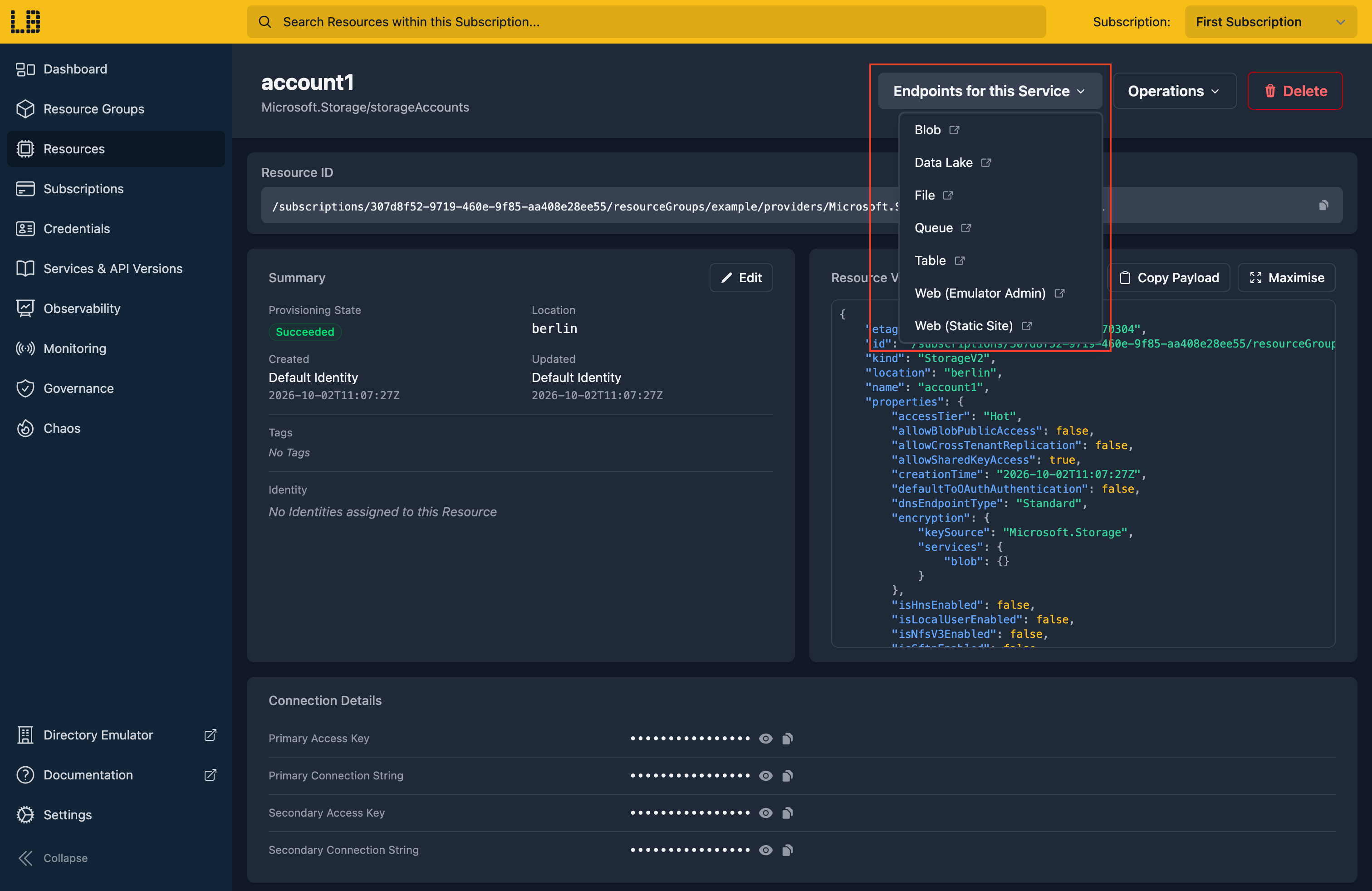
The Storage Emulator
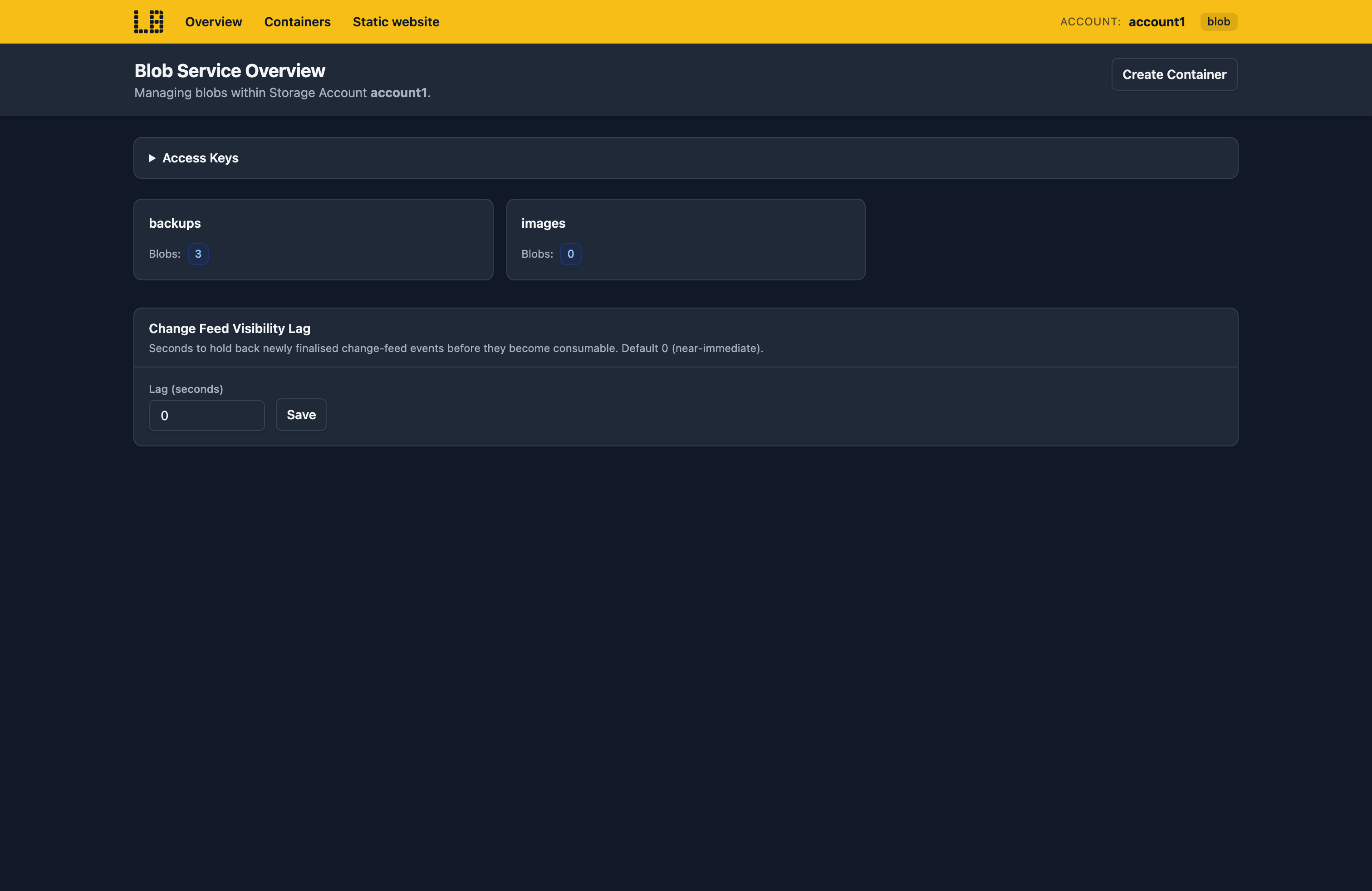
Within the Storage Emulator you can create containers, and upload, download, rename and delete blobs within them:
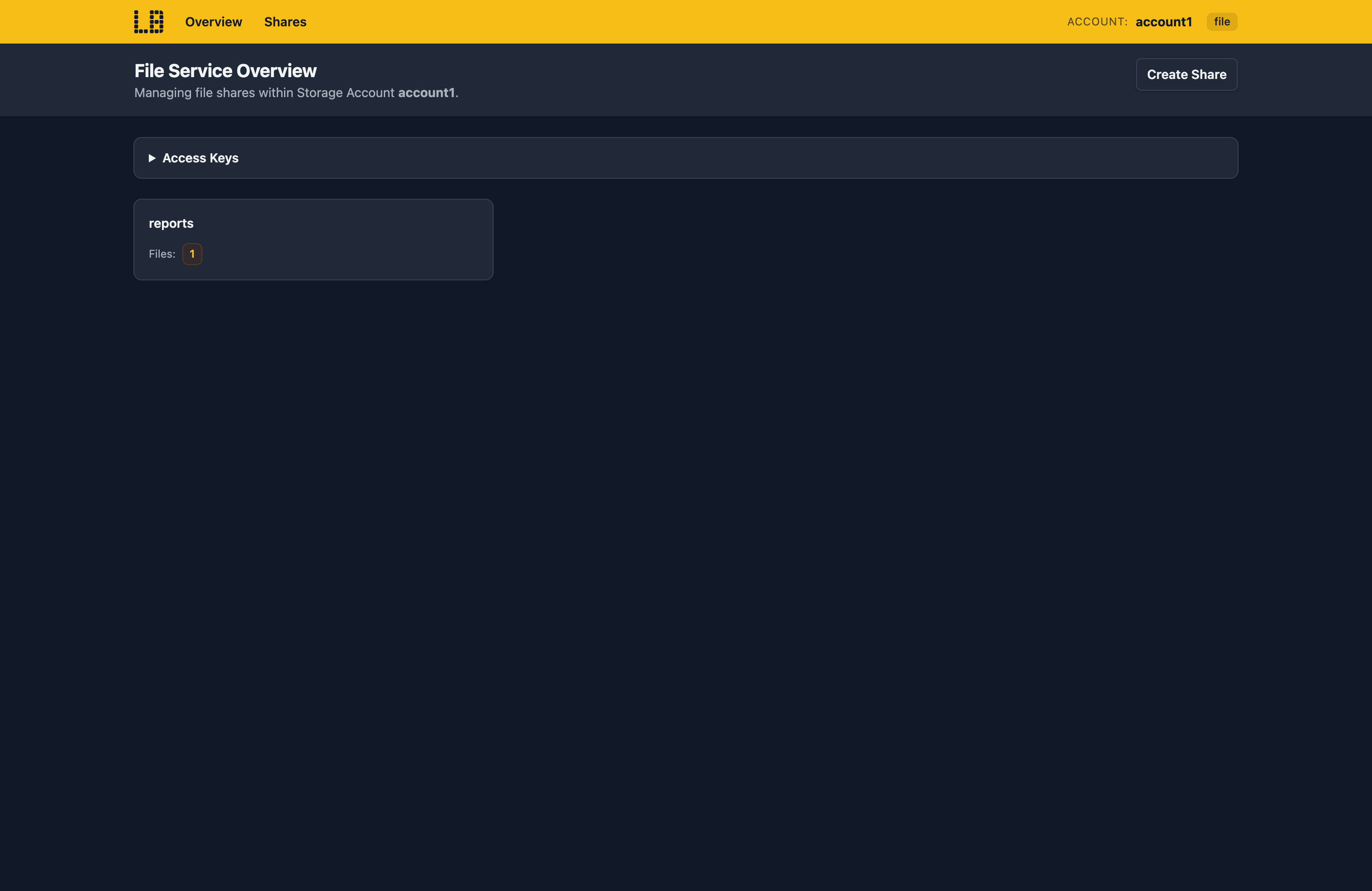
File shares work the same way, with directories and files:
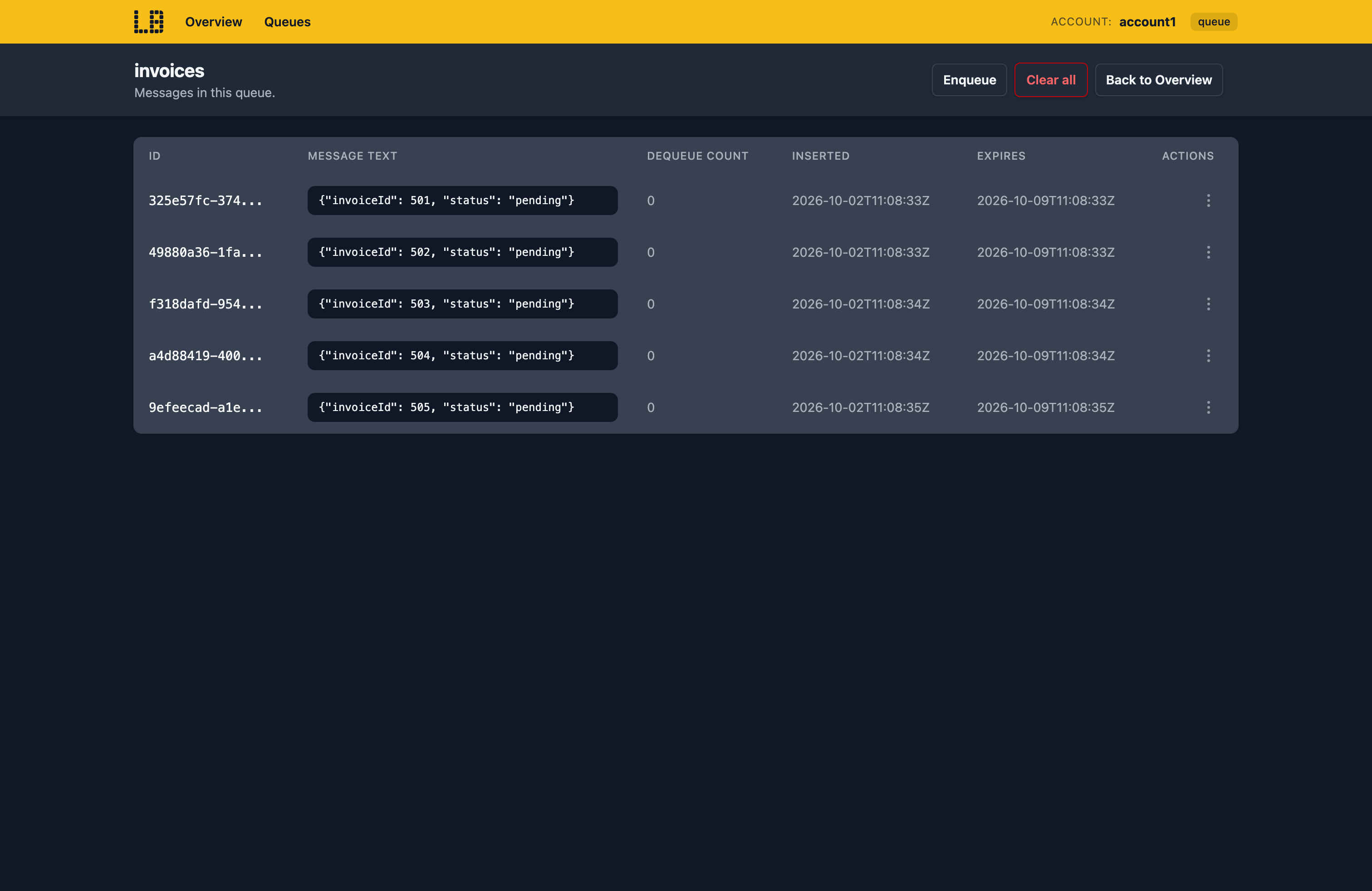
And you can add, edit and delete the messages in a queue, or the entities in a table:
Blob containers, file shares, queues and tables created in the Storage Emulator, the Azure CLI or the Azure SDKs also appear on the Storage Account's resource page in the Locally Dashboard:
What's Supported
The Storage emulator supports:
As of Locally v2026.09.02, API versions from 2018-03-28 to 2026-12-06 are supported for the Storage data plane.
Authentication is supported using a Microsoft Entra token (with a role such as Storage Blob Data Contributor), the account's access keys, or a SAS (account, service or user delegation).
Chaos Engineering (on the Team plan) can throttle, fail, slow down or drop requests - or simulate a regional outage - so you can check your application copes when Storage doesn't.
Storage also works with Locally's other emulators, as you'd expect - for example:
- Creating or deleting a blob raises an event in the Event Grid Emulator.
- The change feed drives blob triggers in the Function App Emulator.
- File shares can be mounted into the Web App Emulator.
Examples
The locallybuild/examples repository has examples that provision a Storage Account in Locally using:
Differences from Azure
As of Locally v2026.09.02, the Storage emulator has the following differences from Azure:
- Lifecycle management policies aren't applied, so blobs aren't moved between tiers or deleted on a schedule. Blob expiry is stored, but doesn't delete anything either.
- Copies complete straight away, rather than reporting
pendingfirst. Rehydrating an archived blob is also immediate. - Query Blob Contents doesn't support aggregates (
COUNT,SUM...),LIKE,INorCAST- a query using them is rejected. - Storage Analytics metrics aren't recorded, though logging to
$logsis. - Object replication, encryption scopes, SFTP and NFS aren't available, and file shares can't be mounted over SMB.
- The
sip(allowed IP range) on a SAS isn't checked.
Should you encounter any issues, please take a look at the troubleshooting section.
Sign in during Public Preview to get the Team plan free, plus an early-adopter discount when we launch. Sign in
