Web App Emulator
Sign in during Public Preview to get the Team plan free, plus an early-adopter discount when we launch. Sign in
Web App Emulator
Azure App Service is a managed service for hosting web applications and APIs - running your code, or your own container, without you managing the servers it runs on.
Locally supports both provisioning App Service Plans and Web Apps, and deploying and running your code - with each Web App built and served in its own container, using the same Oryx images App Service on Linux uses.
When you provision a Web App in Locally, it's available at https://<app>.furnace.locally:5663 (with its Kudu site at https://<app>-scm.furnace.locally:5663) - and you can deploy to it using anything which deploys through Kudu, such as az webapp deploy, zip deploy or a git push.
Docker or Podman also needs to be running.
Finding the Emulator
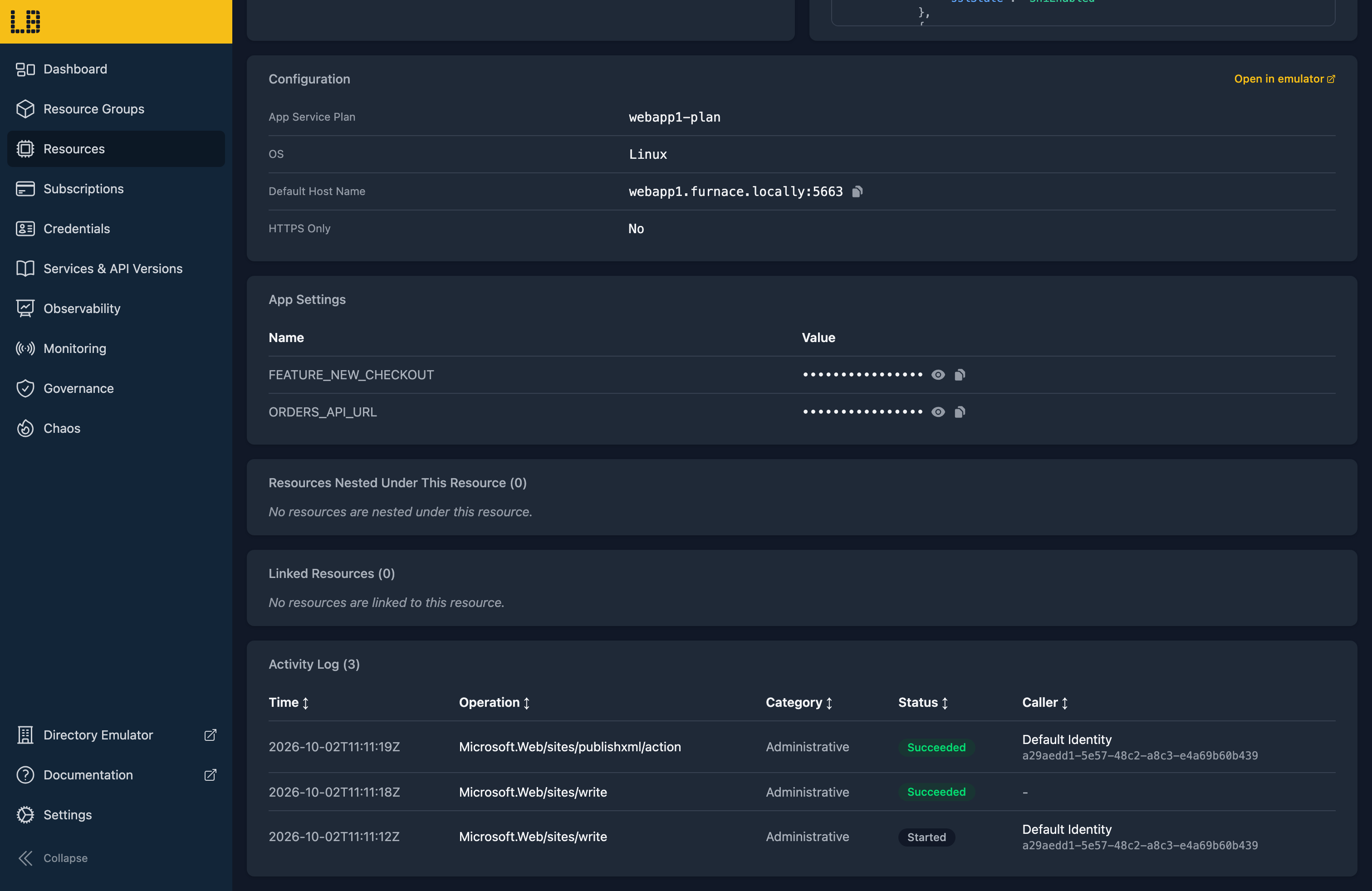
Once a Web App has been created, its resource page within the Locally Dashboard shows its plan, OS, host name, managed identity and app settings - and Open in emulator takes you to the emulator:
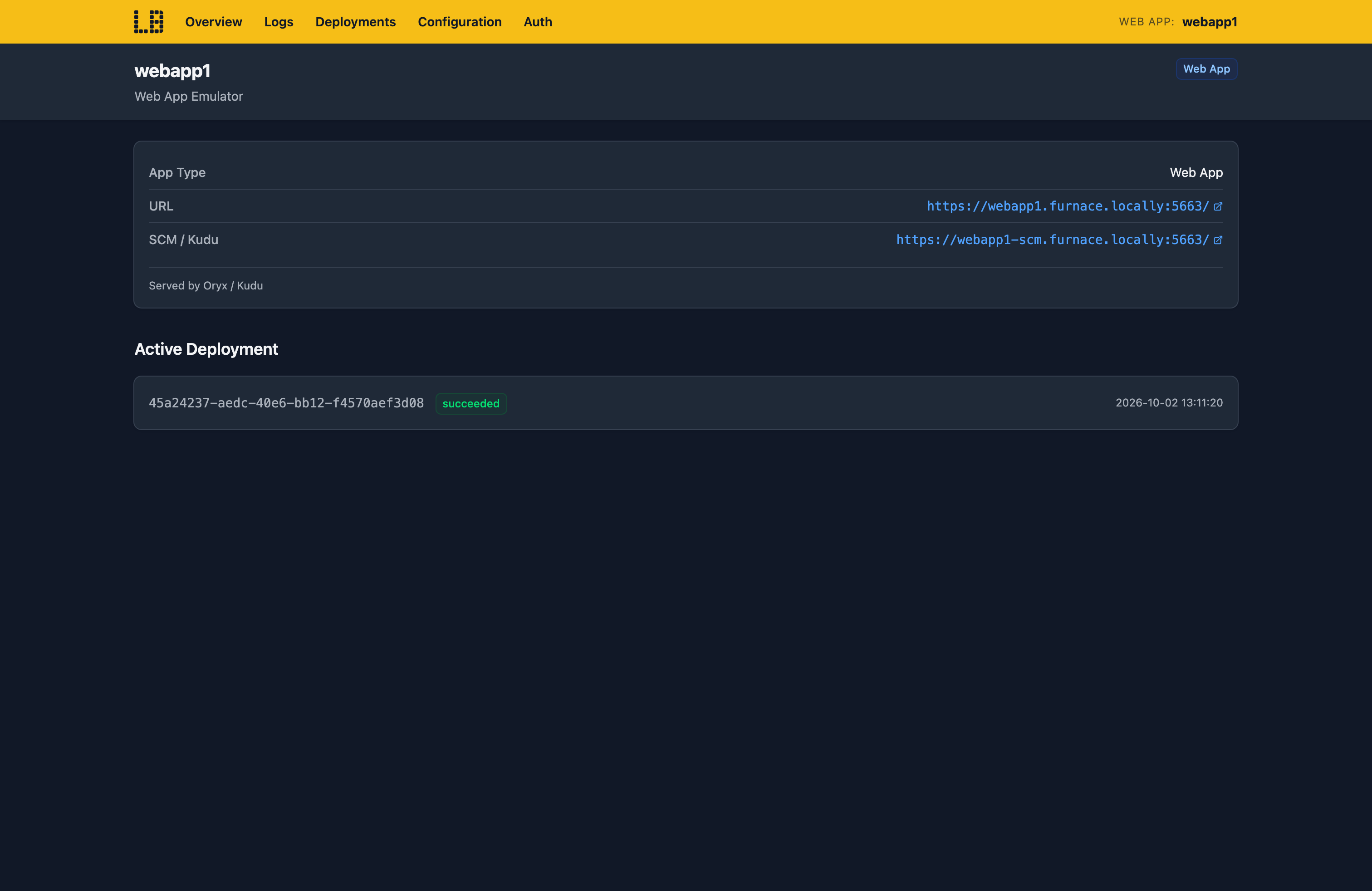
The Web App Emulator
Within the Web App Emulator you can see the active deployment and the history of deployments, along with the app's settings, its authentication settings and who's signed in:
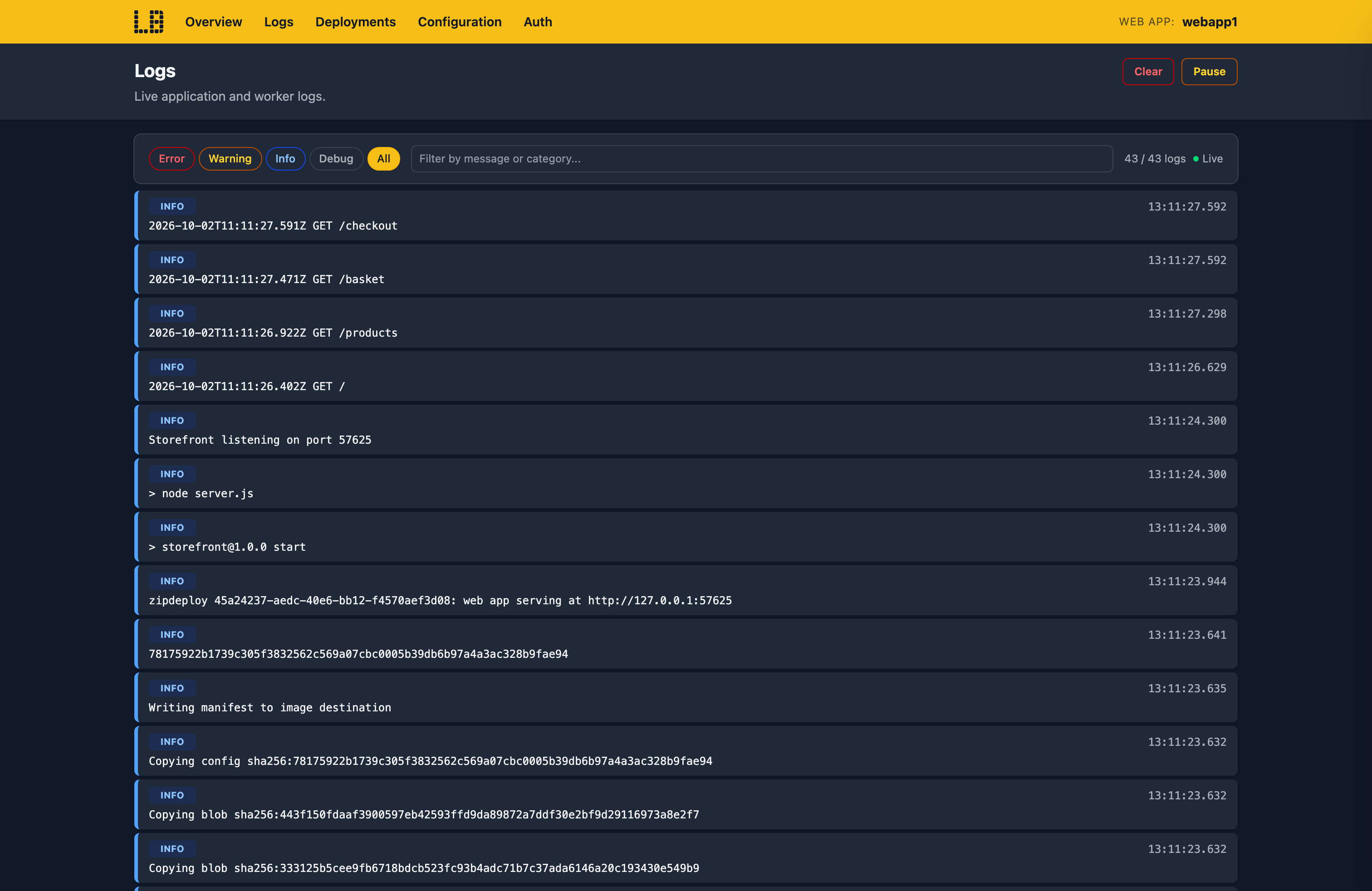
The Logs page streams your app's console output as it runs:
What's Supported
The Web App emulator supports:
As in Azure, a zip deploy runs as it is unless SCM_DO_BUILD_DURING_DEPLOYMENT is true, in which case it's built with Oryx first. A DOCKER|<image> site runs your image directly, on port 80 or WEBSITES_PORT.
App Service Authentication signs users in through the Directory Emulator - the app registration needs https://<app>.furnace.locally:5663/.auth/login/aad/callback as a redirect URI - and code can call a protected app using Authorization: Bearer.
Chaos Engineering (on the Team plan) can make a Web App throttle, fail, slow down or drop requests, so you can check how its callers cope. This applies to Function Apps too, since they share the same host.
Web Apps also work with Locally's other emulators, as you'd expect - for example:
- Your app can reach the other emulators by their
*.locallyhostnames, so a connection string from Locally works unchanged. @Microsoft.KeyVault(...)app settings are resolved from the Key Vault Emulator, using the app's managed identity.- Restarts, stops, settings changes and slot swaps raise events in the Event Grid Emulator.
- An app linked to an Application Insights component gets its connection string in
APPLICATIONINSIGHTS_CONNECTION_STRING. - With a diagnostic setting, console output, requests, platform events and App Service Authentication decisions land in the Log Analytics Emulator's
AppServiceConsoleLogs,AppServiceHTTPLogs,AppServicePlatformLogsandAppServiceAuthenticationLogstables. - A
DOCKER|site can run an image from the Container Registry Emulator.
Examples
These end-to-end examples use the Web App emulator, and have everything you need to run them against Locally:
Differences from Azure
As of Locally v2026.09.02, the Web App emulator has the following differences from Azure:
- Custom domains and App Service certificates aren't supported - only the
furnace.locallyhost name answers, using Locally's own certificate. We plan to fix this in a future version of Locally. - Each app runs as a single instance, with no scale-out.
- Deployment slots can be swapped, but traffic can't be routed between them, and auto-swap isn't supported.
- VNet integration isn't supported.
- Application logs, audit logs and IP security audit logs aren't sent through diagnostic settings.
- On Apple Silicon, Oryx builds run under emulation, and some (such as installing a Python SDK) can crash. If this happens, build your package first and deploy it with
SCM_DO_BUILD_DURING_DEPLOYMENT=false.
Should you encounter any issues, please take a look at the troubleshooting section.
Sign in during Public Preview to get the Team plan free, plus an early-adopter discount when we launch. Sign in
