Using Locally with the Azure CLI
Sign in during Public Preview to get the Team plan free, plus an early-adopter discount when we launch. Sign in
Using Locally with the Azure CLI
The Azure CLI supports Automatic Configuration, meaning that you can run it against Locally by prefixing any commands with locally run.
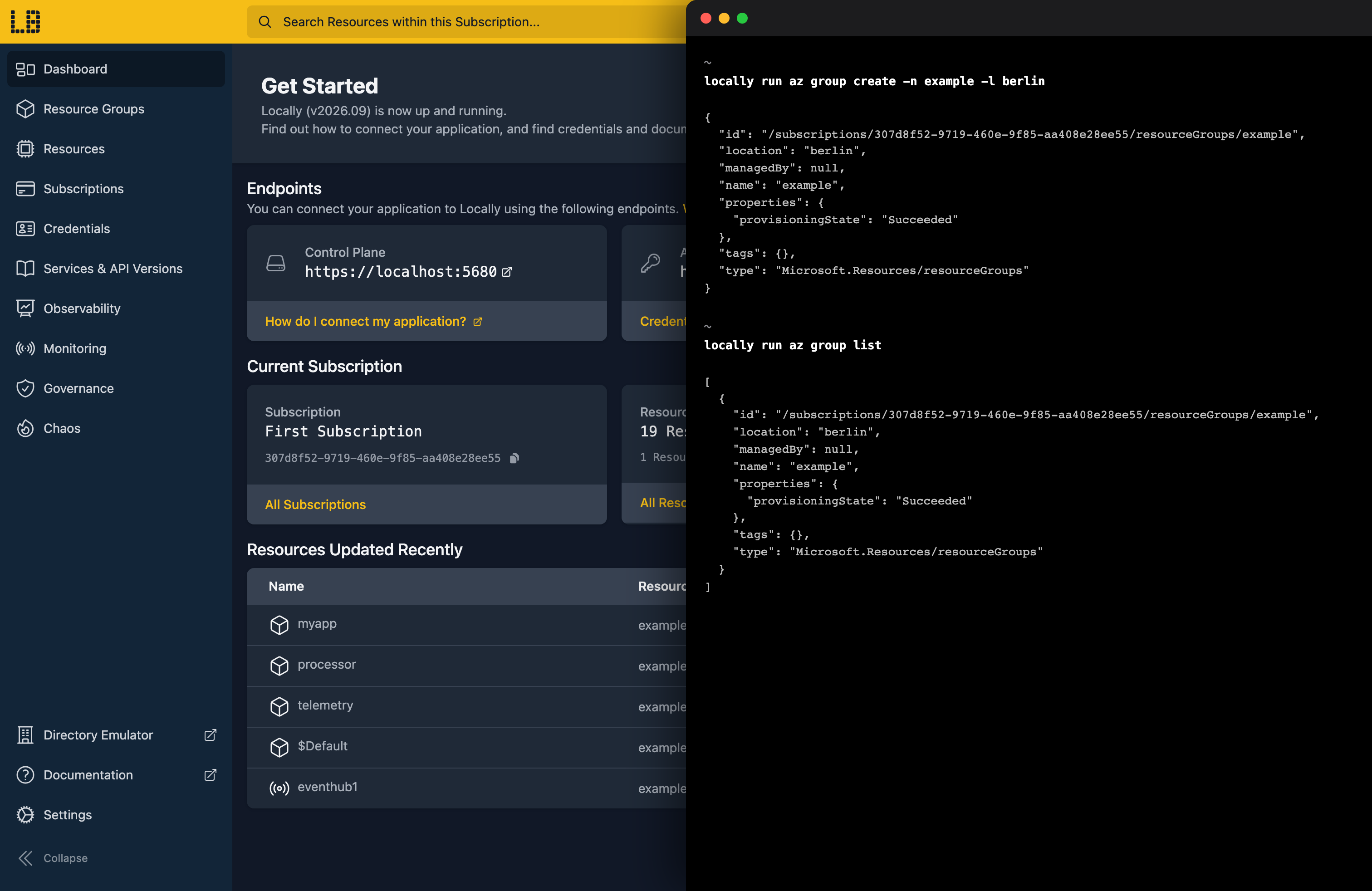
For example, where you would normally list the Resource Groups within an Azure Subscription using:
                $


            az group list
To run this command against Locally, we need to prefix the command with locally run, meaning that this call becomes:
                $


            locally run az group list
This works with any Azure CLI commands, for example to create a Resource Group you might call:
                $


            locally run az group create -n locally-resources -l berlin
Or to create a Public IP Address you might run:
                $


            locally run az network public-ip create -g locally-resources -n publicip01
Using multiple Subscriptions
Commands run against the First Subscription by default. You can see every Subscription the Azure CLI has access to with:
                $


            locally run az account list -o table
To run a command against a different Subscription, pass --subscription to locally run, using either its display name or UUID:
                $


            locally run --subscription "Second Subscription" az group list
Put the flag before az. Anything after it goes to the Azure CLI, which also accepts --subscription, so this works too:
                $


            locally run az group list --subscription "Second Subscription"
See Subscriptions, Tenants & Credentials for more about the Subscriptions Locally creates.
Next steps
The Getting Started Tutorial creates a Storage Account with az and uploads a file to it, and the Examples include more Azure CLI scripts.
Should you encounter any issues, please take a look at the troubleshooting section.
Sign in during Public Preview to get the Team plan free, plus an early-adopter discount when we launch. Sign in
